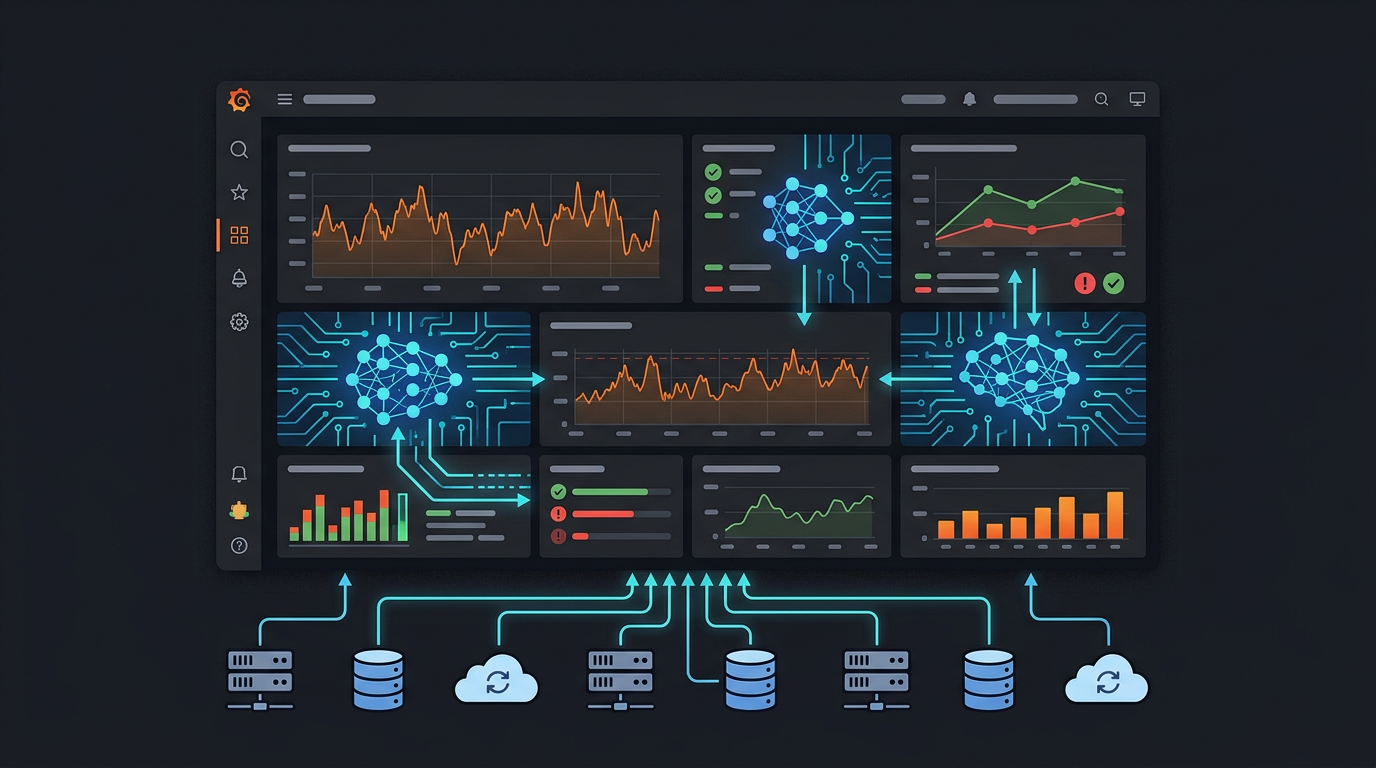
X (Twitter) MCP Server: Full-Archive Search & AI-Powered Social Workflows
Teams want X (Twitter) in the same place as the rest of their AI stack: searchable, scriptable, and safe behind the right credentials. The platform does not ship an official MCP server you can drop into Claude, ChatGPT, or Cursor. That leaves a gap between “ask the model a question about social data” and “actually query the live network with correct auth and rate limits.”
MCPBundles closes that gap with the x provider: 24+ MCP tools (and growing) backed by X API v2, two authentication paths, and a standout capability for research and brand intelligence — full-archive tweet search (the entire history of public tweets, not a rolling seven-day window).
No Official Twitter MCP — Hosted Tools on X API v2
MCPBundles is not affiliated with, sponsored by, or endorsed by X Corp. What we provide is a hosted MCP integration: your agent calls standard MCP tools; we call X’s documented REST endpoints with your stored credentials.
| Auth method | How you connect | What your AI can do |
|---|---|---|
| App Bearer Token (FIELDS) | API key style, read-only app context | Search, timelines, profiles, engagement graphs, lists, bookmarks (where the API allows), moderation lists — including full-archive search when your app tier supports tweets/search/all |
| OAuth 2.0 (PKCE) | User login via OAuth | Everything read-only plus post, delete, like, retweet, follow, bookmark, block, mute, and related write actions permitted by your app’s scopes |
Pick Bearer for unattended research and monitoring. Pick OAuth when the agent should act as a signed-in user (posting, social actions, user timeline).
What Your AI Can Do
Read — Search & discovery
| Tool | What it does |
|---|---|
| x_search_tweets | Full-archive search with powerful query operators; use start_time / end_time for any historical window your tier allows |
| x_search_users | Find accounts by keyword |
| x_fetch_tweet | Single tweet by ID with metrics and entities |
| x_fetch_user / x_fetch_user_by_username | Profile, metrics, verification |
| x_get_me | Authenticated user profile (OAuth) |
Read — Timelines, threads & social graph
| Tool | What it does |
|---|---|
| x_get_user_tweets | Author timeline; optional exclude retweets (and replies) |
| x_get_user_mentions | Mentions of a user |
| x_get_user_liked_tweets | Likes for a user ID |
| x_get_user_timeline | Home-style timeline for the auth user |
| x_get_followers / x_get_following | Follower and following lists |
| x_get_tweet_likes / x_get_tweet_retweets / x_get_tweet_quotes | Engagement participants |
| x_get_thread | Conversation thread via conversation_id |
Read — Lists, bookmarks & moderation state
| Tool | What it does |
|---|---|
| x_get_bookmarks | Saved tweets (OAuth, where permitted) |
| x_get_user_list_memberships / x_get_list / x_get_list_members / x_get_list_tweets | Curated lists |
| x_get_blocked_users / x_get_muted_users | Block and mute lists |
Write — OAuth user actions
| Tool | What it does |
|---|---|
| x_create_tweet / x_delete_tweet | Post or remove tweets |
| x_like_tweet / x_unlike_tweet | Like management |
| x_retweet / x_unretweet | Retweet management |
| x_follow_user / x_unfollow_user | Follow graph |
| x_add_bookmark / x_remove_bookmark | Bookmarks |
| x_block_user / x_unblock_user / x_mute_user / x_unmute_user | Moderation |
| x_hide_tweet | Hide a reply (where supported) |
Analysis & monitoring
| Tool | What it does |
|---|---|
| x_monitor_accounts | Batch monitoring across multiple handles |
| x_engagement_analytics | Performance-style rollup over recent original tweets |
Additional read helpers (for example x_list_tweets in narrow listing flows) round out the bundle so agents can paginate and drill down without hand-rolled HTTP.
Search query operators (the ones agents use most)
X’s search syntax is the difference between noisy results and signal:
- Authors & targets:
from:username,to:username,@mention - Media:
has:media,has:images,has:videos,has:links - Noise control:
-is:retweet,-is:reply,is:verified - Locale & place:
lang:en,place_country:US - Threads:
conversation_id:123 - Boolean:
AND,OR,NOTwith quotes for exact phrases
Combine operators: e.g. "your brand" OR @yourhandle -is:retweet lang:en with a multi-year start_time / end_time range for long-horizon studies.
Real Workflows
"Search every tweet mentioning our company in the last three years."
Your agent runs x_search_tweets with a tight boolean query, -is:retweet, and ISO8601 start_time / end_time — full archive, not a seven-day cap.
"Monitor @competitor's tweets and analyze their content strategy."
x_monitor_accounts pulls fresh posts across handles; x_engagement_analytics (and direct metric fields on tweets) summarizes what resonates.
"Find the most influential people tweeting about AI agents."
x_search_tweets for the topic, then x_fetch_user / x_fetch_user_by_username for follower counts, bios, and verification — rank by public_metrics or your own scoring.
"Build a thread analysis of the viral discussion about MCP."
Start from a root tweet or known conversation_id, then x_get_thread to walk the conversation tree and summarize themes, participants, and peak engagement.
How It Works
- Open the X (Twitter) bundle on MCPBundles.
- Choose FIELDS (Bearer) for read-only full-archive search, or OAuth 2.0 for read + write; complete credential setup in the product UI.
- Connect your AI client to your MCPBundles Hub URL and enable the bundle for your workspace.
- Prompt with concrete operators and time bounds — e.g. "Full-archive search for mentions of our product since 2023, excluding retweets, English only."
Bearer access is ideal for data pipelines and research. OAuth is required for any action that must appear from a human account (posts, likes, follows).
FAQ
Is this the official Twitter / X MCP?
No. X does not publish an official MCP server for third-party clients. MCPBundles implements MCP tools that call X API v2 on your behalf using your credentials.
What is the difference between App Bearer Token and OAuth?
Bearer (FIELDS) is application-level, read-oriented access — strong fit for full-archive search and large-scale read workflows without a user login loop. OAuth 2.0 (PKCE) ties tools to a specific X account, which unlocks posting, likes, retweets, follows, bookmarks, and other user-context endpoints per your app’s approved scopes.
Can my AI post tweets?
Yes, when you connect with OAuth and your developer app includes the write scopes X requires. Read-only Bearer tokens cannot post.
What is full-archive search?
It is access to X’s full-archive search endpoint (tweets/search/all at the API level): public tweets across history, subject to your developer project tier, query rules, and X’s policies — contrasted with recent-only search that covers roughly the last seven days.
What about rate limits?
Throughput and quotas are governed by X API v2 and your project / product tier. MCPBundles does not bypass X limits; heavy jobs should paginate with next_token, use narrower queries, and spread work over time. See X’s current developer documentation for endpoint-specific caps.