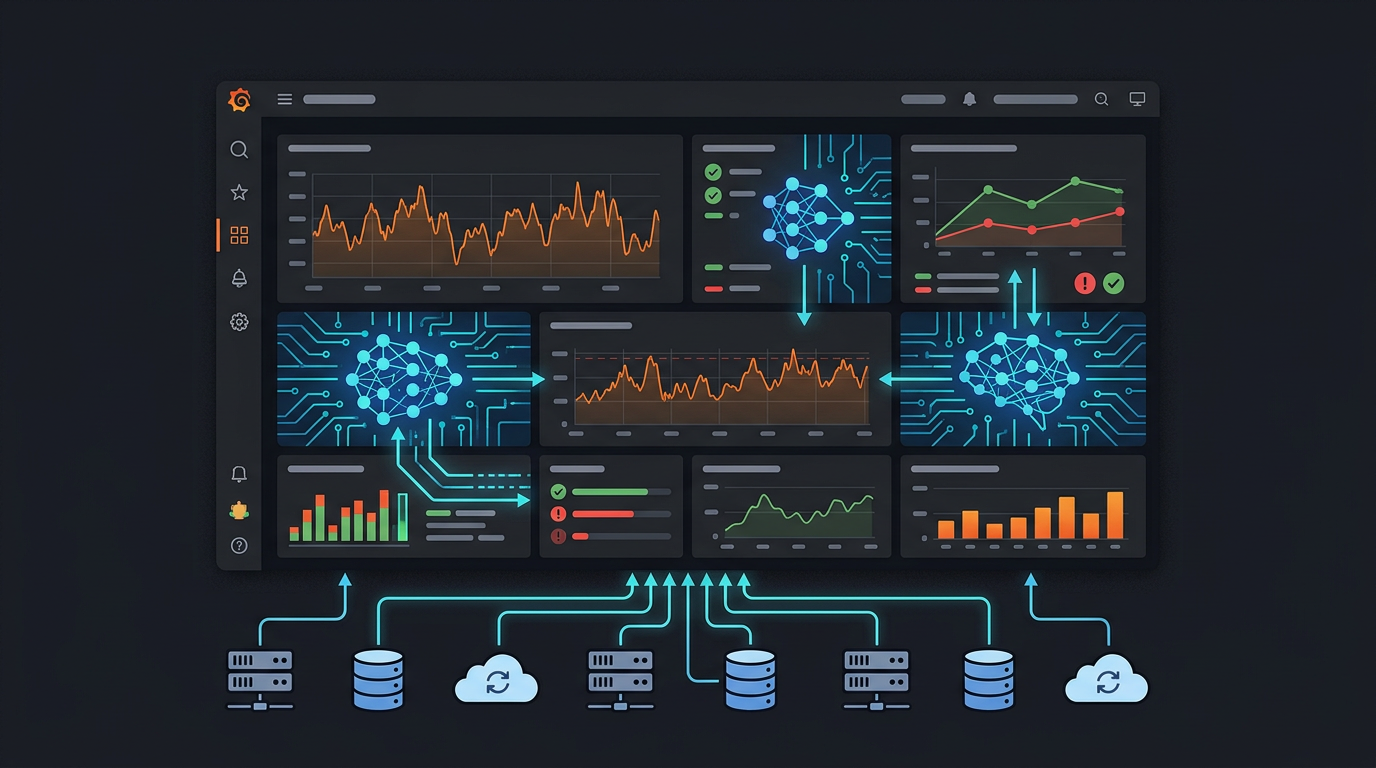
Grafana MCP Server: Monitor, Debug & Explore Your Infrastructure with AI
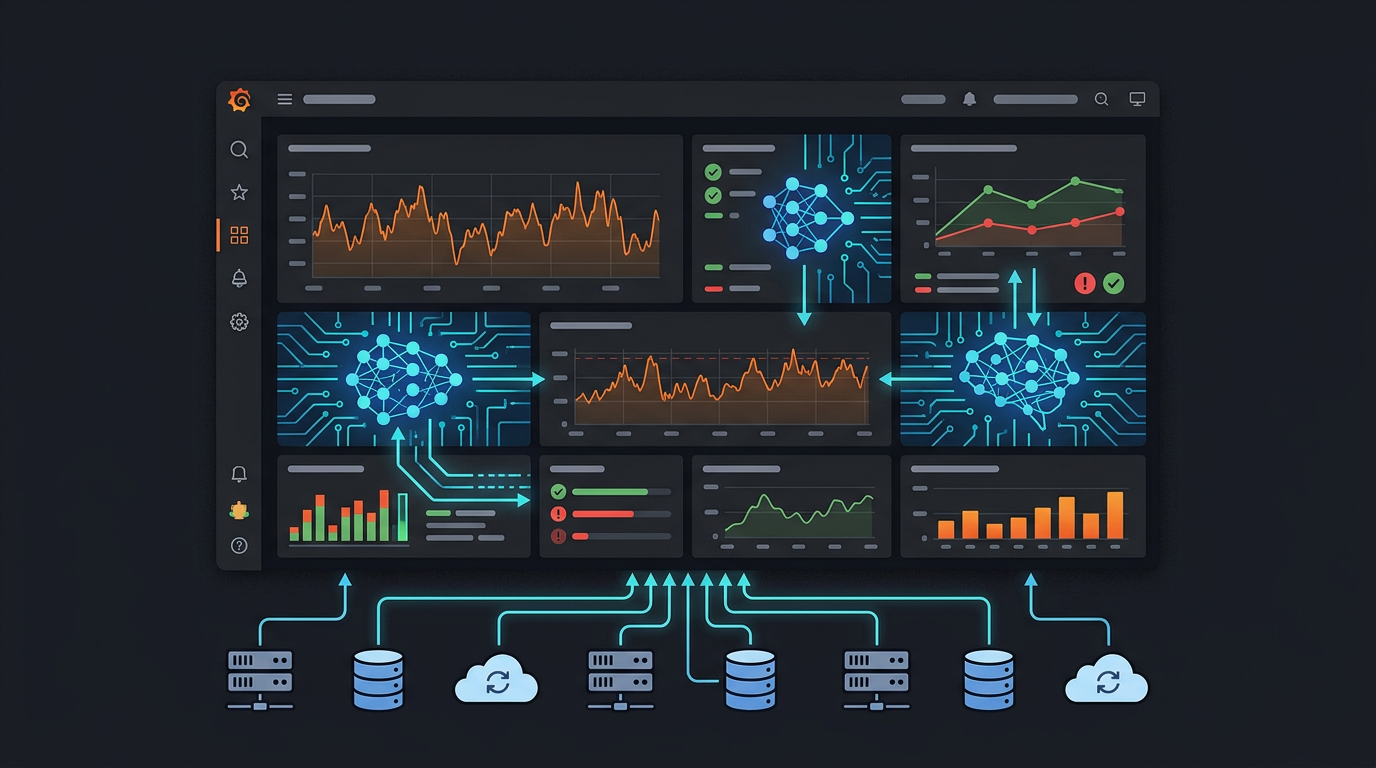
Grafana is where engineering teams go to understand what's happening in their infrastructure. Dashboards, alerts, logs, metrics — it's all there. But when something goes wrong at 3am, the workflow is still manual: open Grafana, find the right dashboard, scan the panels, correlate timestamps, dig into logs.
MCP changes that. With a Grafana MCP server, your AI agent can search dashboards, pull panel data, read alert states, create annotations, and explore datasources — answering "what happened?" conversationally instead of through dashboard clicking.
Grafana Has an Official MCP Server — But It's Local Only
Grafana Labs maintains mcp-grafana — an open-source Go binary with 40+ tools. It's well-built and actively maintained. The catch: it runs locally via uvx or Docker with stdio transport. You install it on your machine and point it at your Grafana instance.
MCPBundles takes a different approach. Our Grafana tools are hosted — they run on our infrastructure and connect to your Grafana instance through the local proxy tunnel. No binary to install, no process to manage. Your AI in Claude, ChatGPT, Cursor, or any MCP client connects to MCPBundles, and we tunnel securely to your Grafana.
What Your AI Can Do
Dashboards
| Capability | What it does |
|---|---|
| Search dashboards | Find dashboards by name, tag, or folder |
| Get dashboard | Full dashboard definition — panels, queries, variables, layout |
| List panels | All panels in a dashboard with their datasource queries |
Your AI can answer "which dashboard shows our payment service latency?" without you remembering where you put it.
Datasources & Queries
| Capability | What it does |
|---|---|
| List datasources | All configured datasources — Prometheus, Loki, InfluxDB, CloudWatch, etc. |
| Query datasources | Run Prometheus PromQL, Loki LogQL, or other datasource-native queries |
Direct datasource access means your AI can answer questions that aren't on any dashboard yet. "What's the p99 latency for the checkout service over the last hour?" — your AI writes the PromQL and gets the answer.
Alerts
| Capability | What it does |
|---|---|
| List alert rules | All configured alert rules with their conditions and states |
| Get alert state | Current firing/pending/normal status of any alert |
When something's on fire, your AI can tell you exactly which alerts are firing, what their conditions are, and how long they've been active.
Annotations & Events
| Capability | What it does |
|---|---|
| List annotations | Annotations on any dashboard or panel, filtered by time range |
| Create annotation | Mark deployments, incidents, or other events on dashboards |
Annotations are how teams mark "what changed" on their graphs. Your AI can create deployment markers, incident start/end times, or any custom event — programmatically, as part of a workflow.
Real Workflows
"Why did latency spike at 3am?"
Your AI searches for the relevant dashboard, reads the panels around that time window, pulls the alert history, and checks annotations for recent deployments. Full incident context in one conversation.
"Are any alerts firing right now?"
Alert state across all rules, grouped by severity. Your AI identifies which services are affected and pulls the relevant dashboard panels for visual context.
"Show me error rates for the payments service this week"
If there's a dashboard for it, your AI finds it and reads the data. If there isn't, your AI queries the Prometheus datasource directly with PromQL.
"Mark this deployment on all production dashboards"
Your AI creates annotations on the relevant dashboards with the deployment version, commit hash, and timestamp. The next person looking at the graphs sees exactly when the deploy happened.
"What datasources do we have configured?"
Full inventory of every datasource — type, URL, access mode, default status. Useful for understanding what data is available before building new dashboards or queries.
Connecting to Your Grafana
Most Grafana instances run on internal infrastructure — not publicly accessible. MCPBundles handles this through the desktop proxy:
- Install the CLI:
pip install mcpbundles - Start the proxy:
mcpbundles proxy start - Enable the Grafana bundle and enter your Service Account Token
- Your AI connects to your Grafana through the secure tunnel
Grafana Cloud instances with public URLs connect directly — no proxy needed.
How Authentication Works
Grafana uses Service Account Tokens — a dedicated auth mechanism for programmatic access:
- In Grafana: Administration → Users and access → Service Accounts
- Create a service account with the appropriate role (Viewer for read-only, Editor for annotations/modifications)
- Generate a token and enter it on MCPBundles
The token inherits the service account's permissions. A Viewer token can search and read dashboards but can't create annotations. An Editor token can do both.
Setup
- Enable the Grafana bundle on MCPBundles
- Create a Service Account Token in your Grafana instance
- Add your credentials (token + optionally enable local proxy)
- Ask your AI: "Search for dashboards related to our API"
FAQ
How is this different from Grafana's official MCP server?
Grafana's official mcp-grafana is a Go binary that runs locally via uvx or Docker. MCPBundles hosts the tools on our infrastructure and tunnels to your Grafana — no local process to install or manage. Both connect to the same Grafana HTTP API.
Does this work with Grafana Cloud?
Yes. Enter your Grafana Cloud instance URL and service account token. No local proxy needed for cloud instances.
What about private/on-premise Grafana?
That's where the local proxy shines. Run mcpbundles proxy start and your AI connects to your internal Grafana through a secure tunnel without exposing any ports to the internet.
Which datasource types are supported?
Any datasource that Grafana can query — Prometheus, Loki, InfluxDB, Elasticsearch, CloudWatch, PostgreSQL, MySQL, and all others. The tools query through Grafana's datasource proxy, so if Grafana can reach it, your AI can query it.
Can my AI create or modify dashboards?
Write operations depend on the service account's role. A Viewer token is read-only. An Editor or Admin token can create annotations and modify dashboards.