23 posts tagged with "Developer Tools"

Tools for developers and development workflows

View All Tags

n8n Automation MCP: Connect Your Instance, Deploy from Claude Code

· 5 min read
MCPBundles

TL;DR

  • n8n Automation MCP on MCPBundles connects your self-hosted n8n instance to Claude Code — backed by a materialized index of 1,888 node types, 9,820 community templates, and 73 expression guides.
  • Ask in plain language to find a popular Slack alert pattern, draft a form-to-email flow, check wiring before anything goes live, deploy to your server, and auto-repair failed runs.
  • Built for automation leads, RevOps builders, and integration consultants who already run self-hosted n8n and want chat to start from real examples — not from memory or forum screenshots.

Picture Tuesday at a mid-size SaaS shop. The RevOps lead owes the sales team a Slack ping whenever a high-value lead lands in the CRM. She knows n8n can do it — she's done similar flows before — but the node names changed, the IF branch wiring is fussy, and the last agent attempt invented a node type that doesn't exist. Normally that's an hour on the template gallery, a forum thread, and paste-and-pray in the editor.

n8n Automation MCP is for that loop. Search what the community already built, inspect how it wires together, draft offline, fix obvious mistakes, deploy to your instance, and retry with run-and-repair when something breaks.

Twenty-Two Seconds Per MCP Call (and How We Fixed It)

· 4 min read
MCPBundles

TL;DR

~22s → ~0.4s per production call on the MCPBundles CLI (May 2026, my Mac). Five calls back-to-back: ~110s → ~2.2s. The MCP slice of make growth-refresh-report: 15+ min → ~53s.

I run MCPBundles. I'm biased. I'm also the person who kept running a fifteen-minute Makefile every morning and telling myself that was fine because "most of it is Playwright anyway" — which was sometimes true and often a cope.

The breaking point wasn't a benchmark chart. It was last Tuesday. I ran time mcpbundles call … on a Postgres pull we'd used in growth scripts for months because I didn't believe the numbers our benchmark script printed. 0.38s wall clock. I re-ran it thinking I'd mistyped --as. Same answer. I'd been eating ~22s of local CLI overhead on every call. Not Gmail. Not the Hub. The sidecar boot path. I'd normalized it because the alternative was rewriting a Makefile I'd already rewritten twice.

Cartoon illustration of a lightning bolt racing along a terminal command line while colorful service icons blur past — speed, CLI, cheerful tech mood

SonarCloud with AI: Code Quality Workflows That Start at the Gate

· 5 min read
MCPBundles

TL;DR

  • The SonarCloud MCP server reads your connected tenant — orgs, projects, issues, gates, hotspots, measures — from chat instead of five SonarCloud tabs before standup.
  • Built for the questions that land minutes before deploy: gate status on main, blockers still open, hotspots waiting for human review, which PR failed analysis last night.
  • Engineering leads, platform engineers, and security champions who already run SonarCloud in CI but hate exporting lists when someone asks in Slack.

SonarCloud is good at being the quality record for a repo. It is less good at being the place you answer when the question arrives in a thread two minutes before deploy.

That question rarely stays inside one screen. Standup wants open blockers across services. Release management wants gate status on main plus coverage and vulnerability counts. Security review wants hotspots still marked TO_REVIEW — not the automatic issue list. Platform wants to know whether last night's pull request analysis passed before someone merges anyway.

None of that is "learn to prompt better." It is normal release work that cuts across projects, and the SonarCloud UI was built for people who live inside it all day.

The SonarCloud MCP server on MCPBundles connects your SonarCloud account to the agent host you already use so those cross-project questions get answered in the thread where the decision is happening.

Cartoon illustration of a code quality dashboard with green and red quality gates, bug icons, and security shields on colorful developer screens

ClinicalTrials.gov API: Search Studies, Conditions, Sponsors, and Trial Details with AI

· 4 min read
MCPBundles

TL;DR

  • Query 586,479 registered studies on ClinicalTrials.gov live — not from a stale local mirror — through the Clinical Trials MCP server.
  • Filter by condition, intervention, phase, recruiting status, sponsor, location, and posted results without building Lucene query strings; study detail returns eligibility, arms, outcomes, and site contacts in structured fields.
  • Built for biotech landscape scans, clinical ops comparisons, patient-advocacy briefings, and research tools where the job is turn trial records into an answer, not navigate the registry one click at a time.

If you work in clinical research, biotech strategy, patient advocacy, or healthcare investing, the hard part is not knowing that ClinicalTrials.gov exists. The hard part is turning trial records into an answer you can use.

You may be trying to understand which sponsors are active in a disease area, whether a competitor has moved from phase 2 into phase 3, how strict the eligibility criteria are for a class of studies, or whether there are recruiting trials a patient advocacy team should know about. The raw registry has the data. Your actual job is to read across it quickly and explain what it means.

The Clinical Trials MCP server gives your AI agent a structured way to search studies, pull trial details, and summarize the result in the same conversation where the research question started.

FDIC Bank Data API: Institution Lookup for Fintech, Compliance & AI Agents

· 4 min read
MCPBundles

TL;DR

  • 4,289 active FDIC-insured institutions — $25T+ in combined reported assets as of 12/31/2025, plus 27,832 total historical rows — are queryable through the FDIC Bank Lookup MCP server.
  • Search by bank name, city, state, or certificate number and get structured institution and financial fields back inside the agent or API call, not in a separate BankFind tab.
  • Built for fintech risk, treasury ops, vendor diligence, and counterparty verification — the moment someone needs to know whether a bank is active, insured, and how large it is.

If you work in fintech risk, bank partnerships, treasury operations, vendor diligence, or financial research, FDIC data usually appears at the moment someone needs confidence about an institution.

Is this bank FDIC-insured? What is its certificate number? Is it active? How large is it? What do its profitability metrics look like? Can I compare it to another institution without leaving the report I am writing?

The FDIC Bank Lookup MCP server gives AI agents and REST clients structured access to FDIC-insured institution data.

FMCSA Carrier Safety Lookup: Search DOT Numbers, Crashes, Inspections, and OOS Rates

· 5 min read
MCPBundles

TL;DR

  • Vet 2.19 million active motor carriers — 4.4 million total registered across 117 states and territories — through the FMCSA Carrier Safety MCP server.
  • Detail lookups enrich census rows with live crash counts, inspection history, and out-of-service rates from FMCSA QCMobile, so a broker or shipper can vet a DOT number inside the same conversation where the load decision is happening.
  • Property carriers no longer publish public BASIC percentile scores (FAST Act 2015); passenger carriers still return BASIC data where available.

Every freight broker, shipper, and logistics team needs to answer the same question:

Can we trust this carrier?

The data exists. FMCSA publishes carrier data, safety records, crash counts, inspection history, out-of-service rates, authority status, and related signals. But the workflow is still clunky. People bounce between SAFER, FMCSA tools, carrier-vetting products, spreadsheets, and internal notes.

The FMCSA Carrier Safety MCP server turns that into a tool an AI agent or backend system can call directly.

H-1B Salary Database: Search Employer Wage Benchmarks from LCA Filings

· 4 min read
MCPBundles

TL;DR

  • Query 675,090 public LCA filings across five DOL quarters from 72,477 distinct employers — 659,868 certified and 4,313 denied — through the H-1B Visa Data MCP server.
  • Median certified annual wage for Year-unit filings: $133,426. Filter by employer, job title, worksite, and filing period to answer the questions compensation and immigration teams actually ask.
  • HR teams, immigration counsel, and recruiters use it for wage benchmarking and sponsor research; job seekers tap the same public corpus without hand-building spreadsheet filters.

H-1B wage data matters because it sits at the intersection of compensation, immigration, recruiting, and employer research.

Job seekers want to know which companies sponsor visas and what they pay. Immigration attorneys and HR teams need wage context for LCA work. Compensation teams want market benchmarks. Recruiters and analysts want employer-level sponsorship patterns.

The H-1B Visa Data MCP server turns public LCA disclosure filings into a searchable workflow for AI agents and REST clients.

HTS Code Lookup: Search Tariff Codes, Duty Rates, and Section 301 Surcharges with AI

· 4 min read
MCPBundles

TL;DR

  • Look up the USITC Harmonized Tariff Schedule live through the HTS Tariff MCP server99 chapters, roughly 12,000 classifiable lines — by keyword or HTS code.
  • Returns general, special, and column-2 duty rates plus Section 301/232 surcharge cross-references, so import ops can estimate landed duty and sourcing-country differences before broker review.
  • Not legal classification advice: a fast, traceable first pass that saves tab-hopping when someone asks what code and what duty apply to this product?

If you are responsible for imports, landed-cost estimates, product classification, or customs review, HTS lookup is not an academic exercise. A wrong code changes margin, delivery timing, and compliance risk.

The first question is usually simple: "What HTS code should we use for this product?" Then the real questions start. Is the description close enough? Is there a more specific subheading? What is the general duty rate? Does a Section 301 surcharge apply? Is the result reliable enough to quote from, or does it need broker review?

The HTS Tariff MCP server is built for that first-pass classification workflow. Your agent can search tariff entries, inspect the hierarchy, pull duty fields, notice surcharge references, and turn the result into a short explanation your team can actually use.

Sanctions Screening API: AML, KYC & OFAC Watchlist Search for AI Agents

· 5 min read
MCPBundles

TL;DR

  • Screen against 1.17 million watchlist entries from 22 government sources — OFAC, EU, UK, UN, Canada, Switzerland, Interpol, and others — through the Global Sanctions & Watchlists MCP server, with fuzzy name matching and batch review.
  • Covers 1.04 million individuals, 122,000 organizations, and 3,100 vessels; watchlists refreshed 2026-04-20.
  • Built for vendor onboarding, payout approval, marketplace trust, and diligence workflows where the question is can this counterparty move forward? — not a full AML case-management platform, but a fast agent-callable screening layer.

If you run vendor onboarding, finance operations, marketplace trust, logistics compliance, or diligence research, sanctions screening is often one step inside a bigger decision. The team is not asking for a database. They are asking whether a counterparty can move forward.

The question sounds simple: "Is this company or person on a sanctions list?" Then reality gets in the way. Which list? Which alias? Is this a close match or just a similar name? Do we need to record the source list, the country, the identifier, and the reason for the match? Is this a vendor review, a customer onboarding step, or a shipping workflow where denied-party screening is only one part of the decision?

That is what the Global Sanctions & Watchlists MCP server is built for. It gives an agent a normalized sanctions search surface so the lookup can happen inside the workflow that needs the answer.

Grafana MCP Server: Monitor, Debug & Explore Your Infrastructure with AI

· 6 min read
MCPBundles

Grafana MCP Server

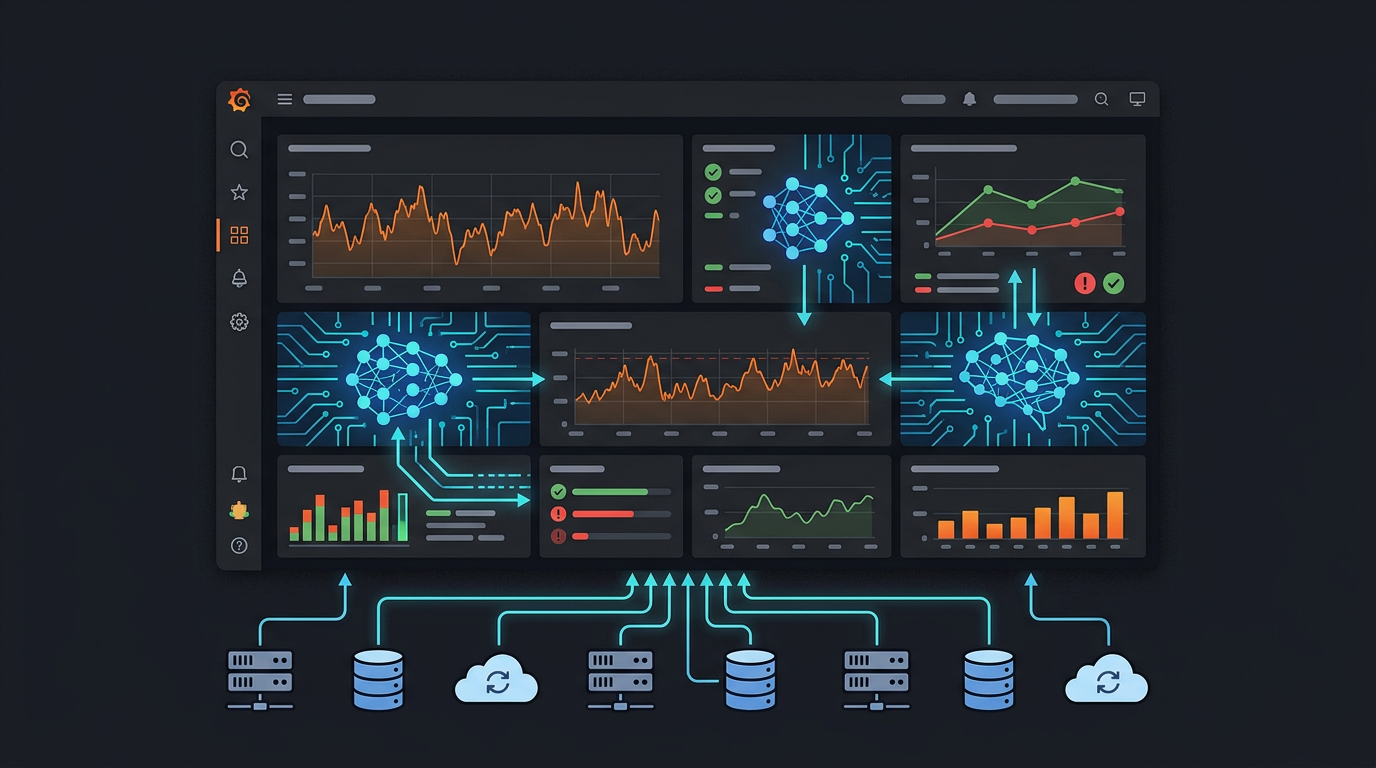
Grafana is where engineering teams go to understand what's happening in their infrastructure. Dashboards, alerts, logs, metrics — it's all there. But when something goes wrong at 3am, the workflow is still manual: open Grafana, find the right dashboard, scan the panels, correlate timestamps, dig into logs.

MCP changes that. With a Grafana MCP server, your AI agent can search dashboards, pull panel data, read alert states, create annotations, and explore datasources — answering "what happened?" conversationally instead of through dashboard clicking.

Supabase MCP Server: How to Connect Supabase to Claude, Cursor & Any AI Agent

· 4 min read
MCPBundles

Supabase MCP Server

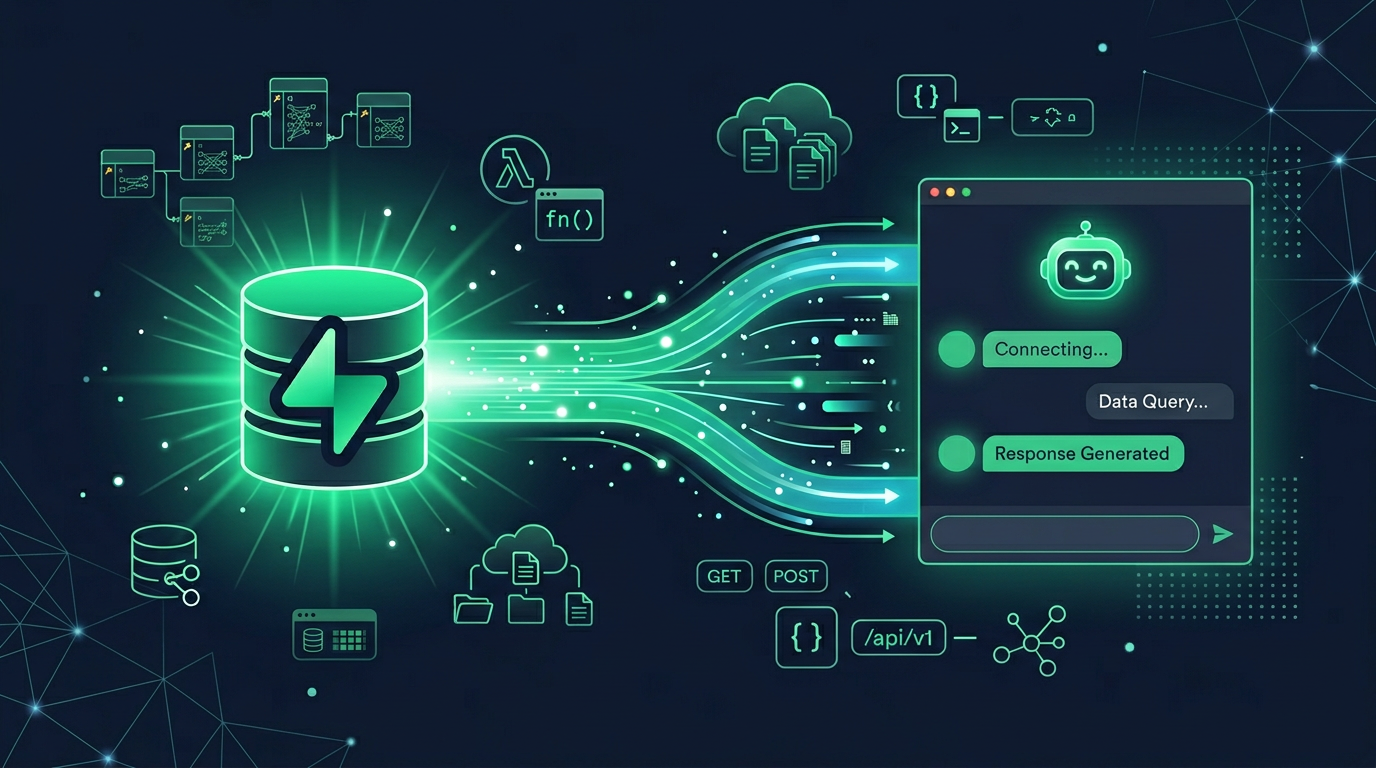
Supabase ships an official MCP server that gives your AI access to the full Supabase platform — Postgres databases, authentication, storage, edge functions, and project management. It's one of the more complete official MCP implementations, covering both development workflows and production operations.

This guide covers what the Supabase MCP server offers, how to set it up, and how to access it through MCPBundles alongside your other tools.

PostgreSQL MCP Server: Query, Explore & Profile Your Database with AI

· 6 min read
MCPBundles

PostgreSQL MCP Server

There's no official PostgreSQL MCP server from the PostgreSQL Foundation — and there probably won't be, since PostgreSQL is an open-source project without a commercial entity pushing integrations. The community implementations that exist mostly stop at "run a query, get rows" — fine as a starting point, light on everything that actually shows up in real database work.

MCPBundles provides 20+ purpose-built tools that go far beyond raw SQL. Your AI explores schemas, profiles columns, analyzes index health, detects data quality issues, finds duplicates, explains query plans, and exports data — all without you writing a single SQL statement. And if you do want raw SQL, that's there too.

Browser Automation with AI: Test, Scrape, and Debug Web Apps from a Chat

· 9 min read
MCPBundles

Browser automation is how you test web apps end-to-end, scrape structured data from public sites, debug production issues by replaying user journeys, and automate repetitive form-filling workflows. Navigate to any page, read its content, click buttons, fill forms, take screenshots, inspect network traffic, run JavaScript, check console errors — all programmatically through natural language.

Playwright is the industry standard for browser automation: fast, reliable, cross-browser (Chrome, Firefox, WebKit), built for modern web apps. The MCPBundles browser bundles expose Playwright as MCP tools you can call from any AI agent, with two deployment modes: Local Browser (Chrome on your machine via the desktop proxy) and Remote Browser (cloud-hosted Chrome with no local install). This guide is the use-case version of "AI + Browser": what you ask, what the agent does, what comes back.

Best AI CLI Tools in 2026 — The Complete Guide

· 14 min read
MCPBundles

The terminal is having its best year since the invention of cloud infrastructure.

Every major AI lab shipped a coding agent CLI. Every major SaaS company shipped or meaningfully updated a service CLI. And a new category is emerging — CLIs that connect the two, giving your coding agent access to production services without leaving the terminal.

We've been running MCPBundles for over a year — a platform where teams connect AI agents to production APIs. We built a CLI because we kept watching agents context-switch between writing code and needing to call Stripe, query a database, or check analytics. This guide covers everything worth installing in 2026, organized by what it actually does for you.

Best AI CLI Tools in 2026