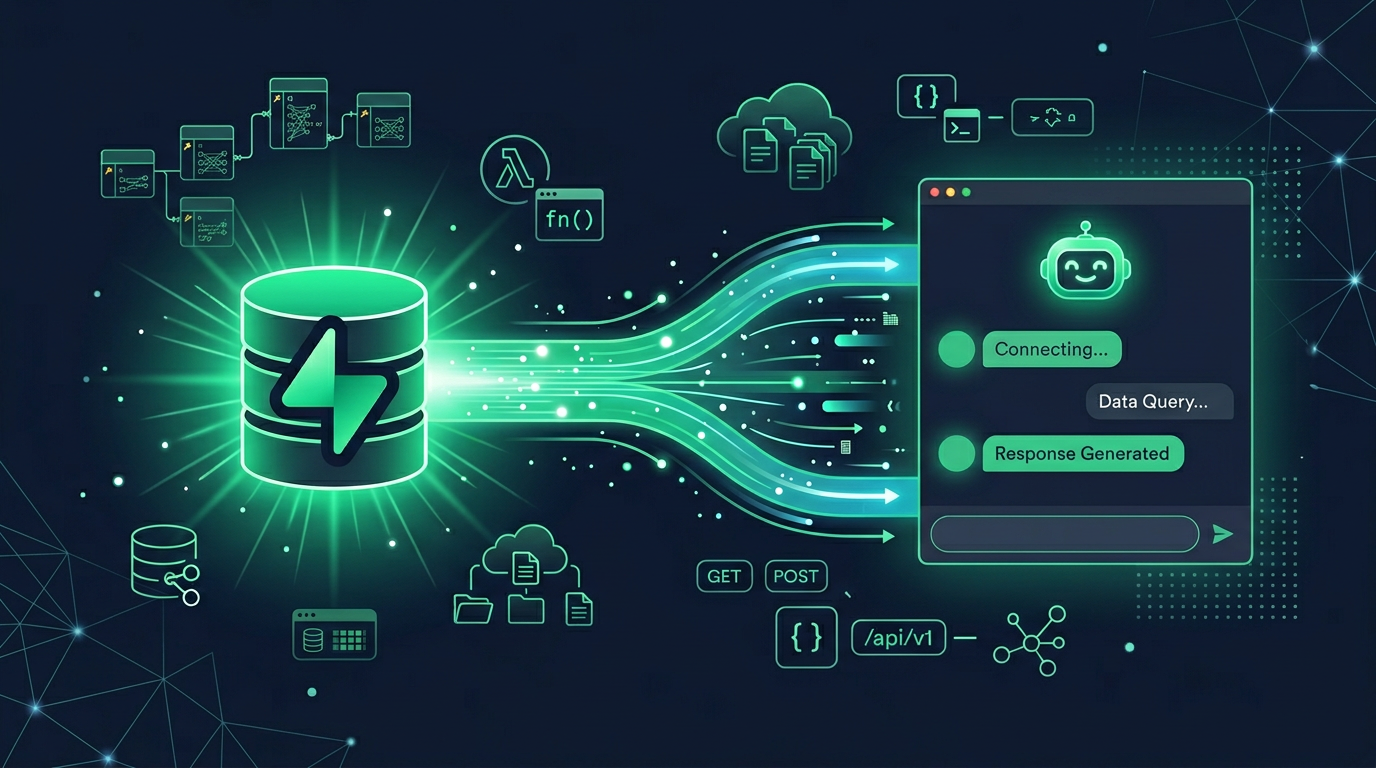
Supabase MCP Server: How to Connect Supabase to Claude, Cursor & Any AI Agent
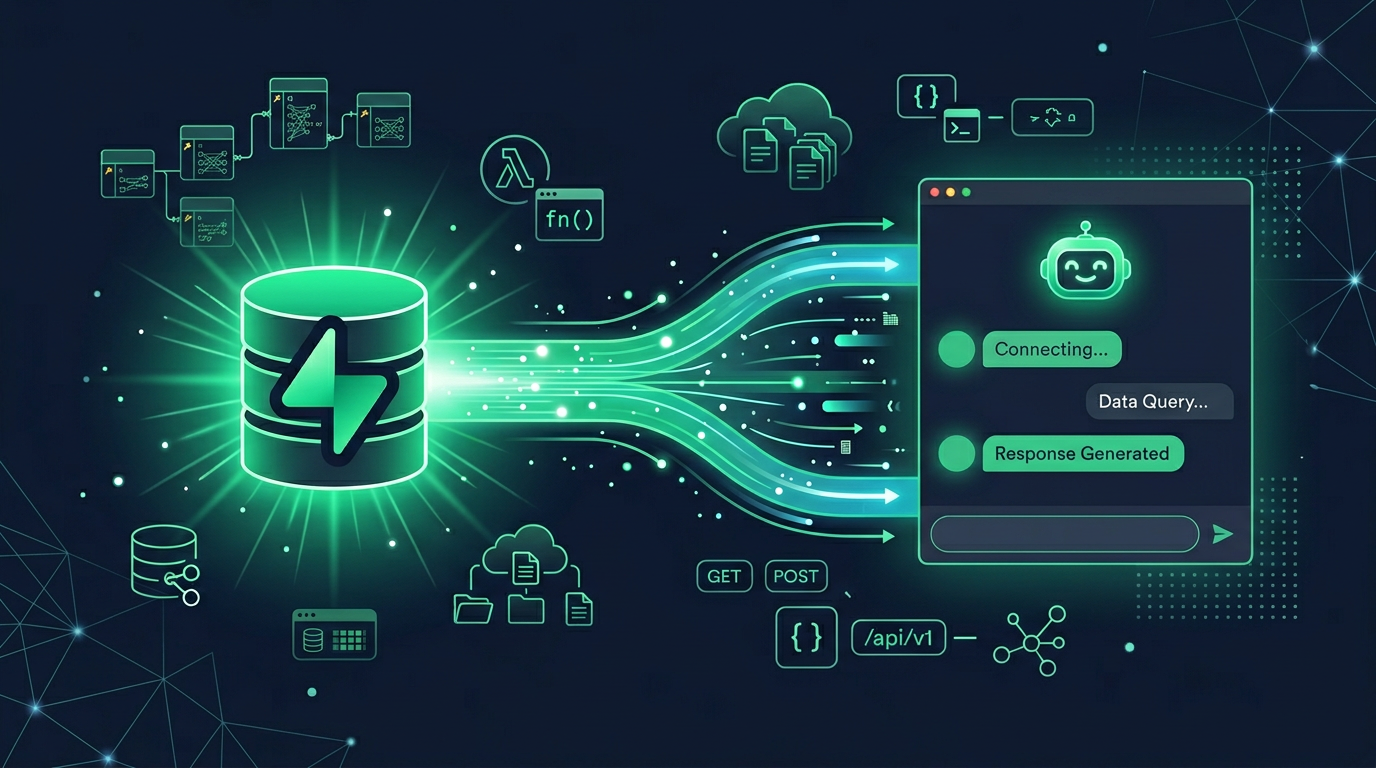
Supabase ships an official MCP server that gives your AI access to the full Supabase platform — Postgres databases, authentication, storage, edge functions, and project management. It's one of the more complete official MCP implementations, covering both development workflows and production operations.
This guide covers what the Supabase MCP server offers, how to set it up, and how to access it through MCPBundles alongside your other tools.
What the Supabase MCP Server Covers
Supabase's MCP server is broad because Supabase itself is broad — it's an entire backend platform, not just a database.
Database (Postgres)
- Run SQL queries — SELECT, INSERT, UPDATE, DELETE against your Supabase Postgres database.
- Manage tables — Create, alter, and drop tables through your AI.
- Schema inspection — List tables, columns, types, and relationships.
- Migrations — Generate and apply database migrations.
Authentication
- Manage users — List, create, and manage auth users.
- Auth configuration — View and update auth settings.
Storage
- Manage buckets — Create and configure storage buckets.
- File operations — Upload, download, list, and delete files.
Edge Functions
- Deploy functions — Create and update edge functions.
- Function management — List, inspect, and manage serverless functions.
Project Management
- Project settings — View and update project configuration.
- API keys — Access project API keys and connection strings.
- Logs — Query project logs for debugging.
Setup Options
Option 1: Direct Connection (npm)
Install and run the official Supabase MCP server locally:
npx supabase mcp
Or add to your MCP client configuration:
Claude Desktop:
{
  "supabase": {
    "command": "npx",
    "args": ["-y", "@supabase/mcp-server"],
    "env": {
      "SUPABASE_ACCESS_TOKEN": "your-access-token"
    }
  }
}
Claude Code:
claude mcp add supabase -- npx -y @supabase/mcp-server
You'll need a Supabase access token from your project settings.
Option 2: Through MCPBundles
MCPBundles hosts the Supabase MCP server alongside 1,500+ other MCP servers. No npm install, no local process management.
- Enable Supabase on MCPBundles
- Connect with your Supabase credentials
- Supabase tools appear alongside all your other MCP tools
Useful when you're working across multiple services — your AI has Supabase, Stripe, GitHub, and everything else through one connection.
Real Workflows
"Create a users table with email, name, and created_at"
Your AI generates the SQL, creates the table, and sets up appropriate indexes. No pgAdmin or SQL editor needed.
"What tables exist in my database and how are they related?"
Schema inspection across all tables. Your AI maps foreign keys, identifies relationship patterns, and gives you a clear picture of your data model.
"Deploy an edge function that sends a welcome email on user signup"
Your AI writes the function, deploys it to Supabase Edge Functions, and confirms it's running. End-to-end from prompt to production.
"Show me all users who signed up in the last 7 days"
SQL query against the auth users table, filtered by creation date. Your AI formats the results and highlights trends.
"Set up a storage bucket for user avatars with a 5MB size limit"
Bucket creation with size limits and access policies. Your AI configures the bucket and generates the client-side upload code.
FAQ
Is this the official Supabase MCP server?
Supabase maintains the official MCP server as the @supabase/mcp-server npm package. MCPBundles provides hosted access to the same capabilities so you do not have to run a local process.
Does this give full database access?
The agent can run arbitrary SQL — reads and writes — against your Supabase Postgres. Treat that with the same caution you would any production database connection: project tokens are scoped to your account, but DROP TABLE is DROP TABLE no matter who runs it.
Can my AI deploy edge functions?
Edge functions are covered by the server end to end. The agent creates, updates, and manages them directly from the MCP client, so "deploy a webhook handler that posts to Slack on auth.user.created" turns into one prompt.
Do I need to run anything locally?
Through MCPBundles the server is hosted, so the answer is no. If you would rather run locally, npx @supabase/mcp-server is the official path and works with Claude Desktop, Cursor, and other MCP clients.