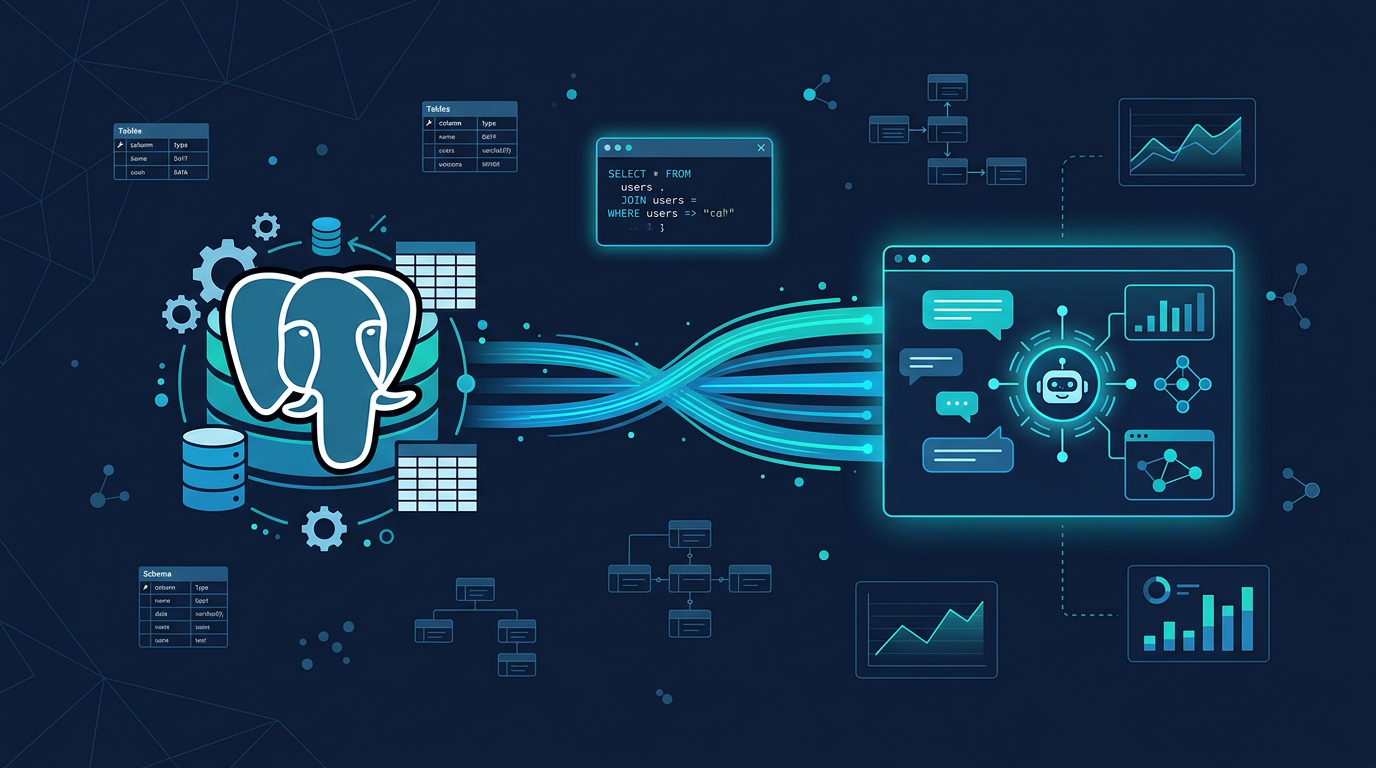
PostgreSQL MCP Server: Query, Explore & Profile Your Database with AI
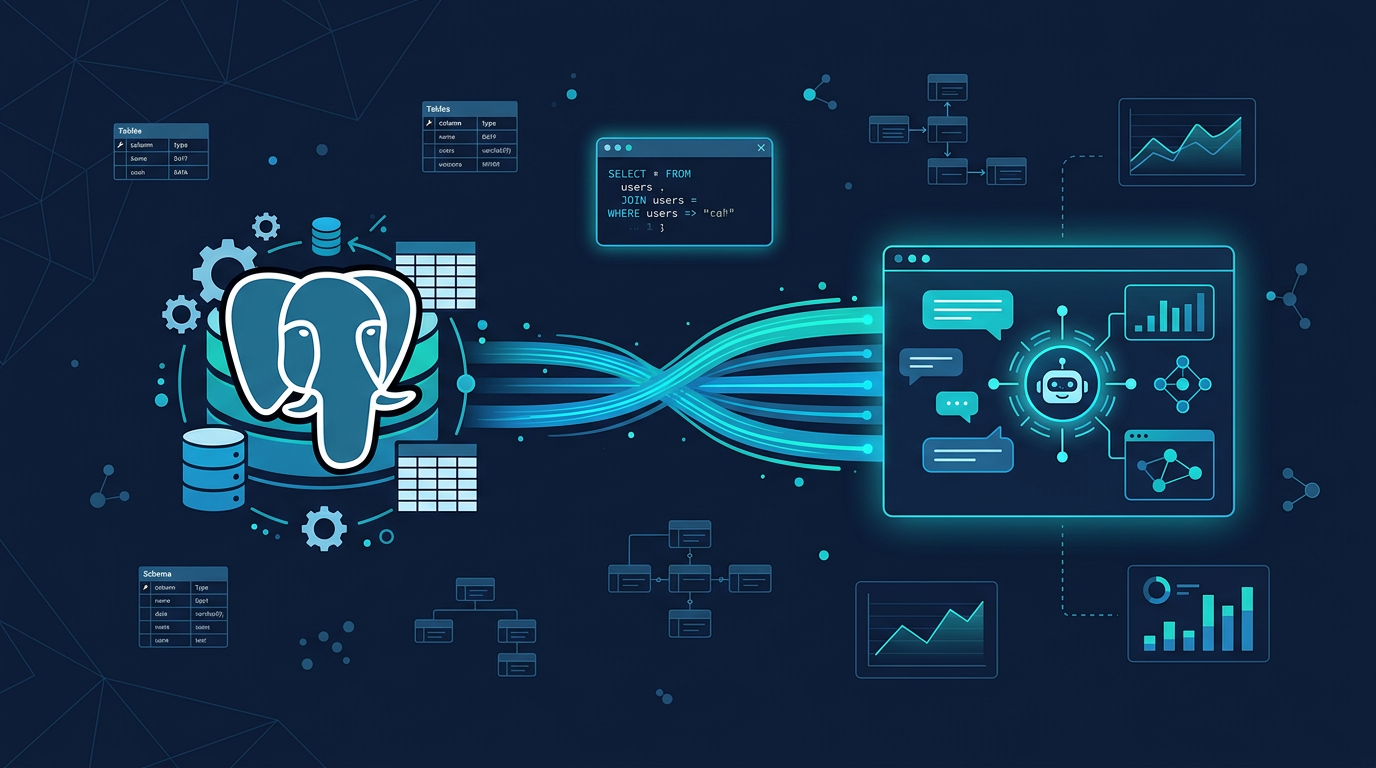
There's no official PostgreSQL MCP server from the PostgreSQL Foundation — and there probably won't be, since PostgreSQL is an open-source project without a commercial entity pushing integrations. The community implementations that exist mostly stop at "run a query, get rows" — fine as a starting point, light on everything that actually shows up in real database work.
MCPBundles provides 20+ purpose-built tools that go far beyond raw SQL. Your AI explores schemas, profiles columns, analyzes index health, detects data quality issues, finds duplicates, explains query plans, and exports data — all without you writing a single SQL statement. And if you do want raw SQL, that's there too.
Beyond Raw Queries
The difference between a SQL tool and a database intelligence tool:
| Raw SQL wrapper | MCPBundles PostgreSQL |
|---|---|
| Run a query, get rows | Run a query, get rows |
| That's it | Schema exploration with AI narration |
| Column profiling (types, nulls, distributions) | |
| Index health analysis | |
| Data quality reports | |
| Duplicate detection | |
| Query plan explanation | |
| Outlier detection | |
| Constraint validation | |
| Null pattern analysis | |
| Full-text search across tables | |
| Table comparison | |
| CSV/JSON export | |
| Rollback preview (dry-run destructive queries) |
What Your AI Can Do
Explore
| Tool | What it does |
|---|---|
| List tables | All tables across all schemas |
| Inspect schema | Columns, types, constraints, relationships for any table or schema |
| AI description | Natural-language narration of your entire database structure |
| Sample data | Quick preview of actual rows from any table |
Analyze
| Tool | What it does |
|---|---|
| Profile column | Min, max, mean, nulls, distinct values, distribution for any column |
| Analyze indexes | Index health, usage stats, missing index suggestions |
| Table stats | Row counts, size on disk, dead tuples, last vacuum |
| Table dependencies | Foreign key relationships and dependency chains |
| Explain query | EXPLAIN ANALYZE output for any SQL — your AI reads the plan and identifies bottlenecks |
| Detect outliers | Statistical outlier detection on numeric columns |
Data Quality
| Tool | What it does |
|---|---|
| Data quality report | Nulls, type mismatches, constraint violations — one tool, full table audit |
| Find duplicates | Exact or fuzzy duplicate rows on any set of columns |
| Validate constraints | Run all CHECK, UNIQUE, FK constraints and report violations |
| Find null patterns | Which columns have nulls, how many, and how they correlate |
| Enum values | Distinct values for low-cardinality columns |
Read & Write
| Tool | What it does |
|---|---|
| Run SQL | Execute any SELECT, INSERT, UPDATE, DELETE |
| List rows | Paginated reads with stable row handles for point lookups |
| Fetch row | Retrieve a single row by its handle |
| Search text | Full-text search across all text columns in all tables |
| Compare tables | Diff two tables row by row on key columns |
| Export | CSV or JSON export of any table or query result |
| Rollback preview | Dry-run a destructive query to see what would be affected before committing |
Real Workflows
"What's in this database?"
Your AI lists all tables, generates an AI narration of the schema, and shows you sample data from the key tables. Full orientation in 30 seconds.
"Are there data quality issues?"
Data quality report on each table: null percentages, constraint violations, columns with suspicious patterns. Your AI identifies the problems and suggests fixes.
"Why is this query slow?"
EXPLAIN ANALYZE on the query. Your AI reads the plan, identifies sequential scans that should be index scans, missing indexes, and join order issues. Then suggests the specific index to create.
"Find all duplicate customer records"
Duplicate detection on email + name columns with configurable similarity thresholds. Your AI groups the duplicates and recommends which to keep.
"Export last month's orders as CSV"
SQL query filtered by date, exported to CSV. One prompt, file ready to share.
Connecting to Local Databases
Most PostgreSQL databases run on localhost. MCPBundles supports this through the desktop proxy:
- Install the CLI:
pip install mcpbundles - Start the proxy:
mcpbundles proxy start - Enable "Connect via Local Proxy" when adding credentials
- Your AI connects to
localhost:5432through the tunnel
Cloud databases (RDS, Supabase, Neon, etc.) connect directly — just enter the connection string.
Setup
- Enable the PostgreSQL bundle on MCPBundles
- Add your connection details (host, port, database, user, password, SSL mode)
- Ask your AI: "List all tables and describe the schema"
FAQ
Can my AI modify data?
INSERT, UPDATE, and DELETE all run through the same SQL tool. The rollback preview lets the agent dry-run destructive queries first, showing exactly which rows would be touched before anything commits.
Does this work with local PostgreSQL?
Local Postgres works through the desktop proxy: install the mcpbundles CLI, run mcpbundles proxy start, and tick "Connect via Local Proxy" in the credential settings. The platform then tunnels through to your localhost:5432 without exposing it publicly.
What about managed databases (RDS, Supabase, Neon)?
Direct connection. Enter the hostname, port, database, user, and password. Use SSL mode require for cloud databases.
Is there a risk of accidental data loss?
The rollback preview tool exists specifically for this. Your AI can preview what a DELETE or UPDATE would do before executing it. And all queries run with ACID transaction guarantees.
What's the "AI description" tool?
It generates a natural-language narration of your database schema — tables, relationships, column purposes, and entity patterns. Useful for onboarding your AI (or yourself) onto an unfamiliar database.