13 posts tagged with "Automation"

Automated workflows and dynamic tool creation

View All Tags

Zotero with AI: Run Your Research Library From Chat

· 8 min read
MCPBundles

TL;DR

  • The Zotero MCP server lets an AI assistant work with your library the way you do — search saved papers, read citation details and notes, download PDFs, build collections, and tidy missing fields.
  • Connect your Zotero account for full read and edit, or read straight from the Zotero app on your computer when you want a fast, private look without syncing anything new.
  • It is for researchers, PhD students, and literature-review teams who are tired of clicking through a reference manager one paper at a time — can I actually move this review forward?, not can I search the web?

If you keep your reading in Zotero, most "AI for research" demos miss the point. They search the open web, summarize a paper you pasted in, and stop. The work that actually eats your week lives somewhere else: in the few hundred references already sitting in your library, half of them missing a year or a clean author list, a third with no PDF attached.

n8n Automation MCP: Connect Your Instance, Deploy from Claude Code

· 5 min read
MCPBundles

TL;DR

  • n8n Automation MCP on MCPBundles connects your self-hosted n8n instance to Claude Code — backed by a materialized index of 1,888 node types, 9,820 community templates, and 73 expression guides.
  • Ask in plain language to find a popular Slack alert pattern, draft a form-to-email flow, check wiring before anything goes live, deploy to your server, and auto-repair failed runs.
  • Built for automation leads, RevOps builders, and integration consultants who already run self-hosted n8n and want chat to start from real examples — not from memory or forum screenshots.

Picture Tuesday at a mid-size SaaS shop. The RevOps lead owes the sales team a Slack ping whenever a high-value lead lands in the CRM. She knows n8n can do it — she's done similar flows before — but the node names changed, the IF branch wiring is fussy, and the last agent attempt invented a node type that doesn't exist. Normally that's an hour on the template gallery, a forum thread, and paste-and-pray in the editor.

n8n Automation MCP is for that loop. Search what the community already built, inspect how it wires together, draft offline, fix obvious mistakes, deploy to your instance, and retry with run-and-repair when something breaks.

SolarWinds Service Desk with AI: ITSM Workflows That Start With the Queue

· 6 min read
MCPBundles

TL;DR

  • The SolarWinds Service Desk MCP server reads your live tenant — incidents, problems, changes, CMDB rows, knowledge articles, and vendor contracts — from chat instead of five admin modules.
  • Built for the questions that hit before anyone opens a saved filter: unassigned P1s for standup, the problem behind a VPN spike, London site CIs before CAB, the MFA article tier one keeps retyping.
  • Service desk managers, L2 engineers, change managers, and CMDB owners who already live in SolarWinds but lose an hour a day to tab shuffle.

SolarWinds Service Desk is good at being the system of record. It is less good at being the place you think when someone asks a question in Slack two minutes before standup.

That question rarely fits one module. Standup wants the incident backlog and which assignment groups are drowning. L2 wants the problem record tied to last week's VPN spike — not ticket six on the same root cause. Change management wants hardware and configuration items at the London site before CAB, not a spreadsheet someone exported in February. Tier one wants the published MFA article, not another pasted reply from memory.

None of that is "learn to prompt better." It is normal ITSM work that cuts across queues, and the admin UI was built for people who stay inside it all day.

The SolarWinds Service Desk MCP server on MCPBundles connects your tenant to the agent host you already use — Cursor, Claude, ChatGPT, whatever — so those cross-module questions get answered in the thread where the decision is happening.

Cartoon illustration of an IT service desk with support tickets flowing through incident, problem, and change queues on colorful screens

SonarCloud with AI: Code Quality Workflows That Start at the Gate

· 5 min read
MCPBundles

TL;DR

  • The SonarCloud MCP server reads your connected tenant — orgs, projects, issues, gates, hotspots, measures — from chat instead of five SonarCloud tabs before standup.
  • Built for the questions that land minutes before deploy: gate status on main, blockers still open, hotspots waiting for human review, which PR failed analysis last night.
  • Engineering leads, platform engineers, and security champions who already run SonarCloud in CI but hate exporting lists when someone asks in Slack.

SonarCloud is good at being the quality record for a repo. It is less good at being the place you answer when the question arrives in a thread two minutes before deploy.

That question rarely stays inside one screen. Standup wants open blockers across services. Release management wants gate status on main plus coverage and vulnerability counts. Security review wants hotspots still marked TO_REVIEW — not the automatic issue list. Platform wants to know whether last night's pull request analysis passed before someone merges anyway.

None of that is "learn to prompt better." It is normal release work that cuts across projects, and the SonarCloud UI was built for people who live inside it all day.

The SonarCloud MCP server on MCPBundles connects your SonarCloud account to the agent host you already use so those cross-project questions get answered in the thread where the decision is happening.

Cartoon illustration of a code quality dashboard with green and red quality gates, bug icons, and security shields on colorful developer screens

Timely with AI: Time Tracking Workflows for Agencies and Teams

· 5 min read
MCPBundles

TL;DR

  • The Timely MCP server lets agents log hours, manage projects, and review team activity from chat — Timely's own agency research cites 1 in 5 billable hours going unrecorded when teams rely on manual timesheets.
  • Professional-services billable utilization averaged 68.9% in 2024, below the 75% threshold many firms treat as healthy (industry analysis); end-of-week reconstruction often captures only 65–75% of billable time versus ~95% with same-day logging.
  • Agency ops, project managers, consultants, and finance teams who need Friday's hours on the board before Monday — without opening another tab for every five-minute update.

Friday afternoon. The project lead realizes three people touched the same client deck but nobody logged time against the retainer project. Finance is asking for utilization before Monday. The ops person could open Timely, click through accounts, filter the week, cross-check project membership — or they could ask the question in the same chat thread where the team already decided who did what.

Timely is built for automatic and manual time capture. Every project, client, label, and time entry lives under a workspace you pick once; after you connect Timely on MCPBundles, agents can answer account-scoped questions in Cursor, Claude, ChatGPT, or whatever host you already use — without exporting a timesheet or rebuilding the week from memory on a Friday night.

Cartoon illustration of a colorful agency workspace with a time-tracking dashboard showing projects, clients, and logged hours on a friendly screen

Insightful with AI: Workforce, Projects, and Tracking Settings

· 4 min read
MCPBundles

Most workforce questions sound simple until you try to answer them from a dashboard export.

How many people are active right now? Which teams still have nobody assigned? Did we ever create the onboarding project for the April hires? Are screenshots still turned on for the remote engineering profile?

Those are Monday-morning questions for people ops, IT, and team leads — not spreadsheet jobs. The Insightful MCP server lets an AI agent answer them in chat from your connected Insightful account: teams and headcount first, projects and tasks when rollout work comes up, tracking settings when policy is on the agenda.

Cartoon illustration of a workforce analytics dashboard showing teams, projects, and task cards on a colorful office screen

Copper with AI: CRM Workflows Around the Inbox

· 4 min read
MCPBundles

The easiest way to make an AI agent dangerous in a CRM is to let it act from a search result.

Search results feel like context. They have names, owners, timestamps, and sometimes a stage. That is enough to produce a confident paragraph. It is not enough to change a customer record.

Copper work usually starts vague: the account in this Gmail thread, the renewal stuck in proposal, the customer-success handoff, the stale task nobody owns. The Copper MCP server treats those questions as account work, not table lookups.

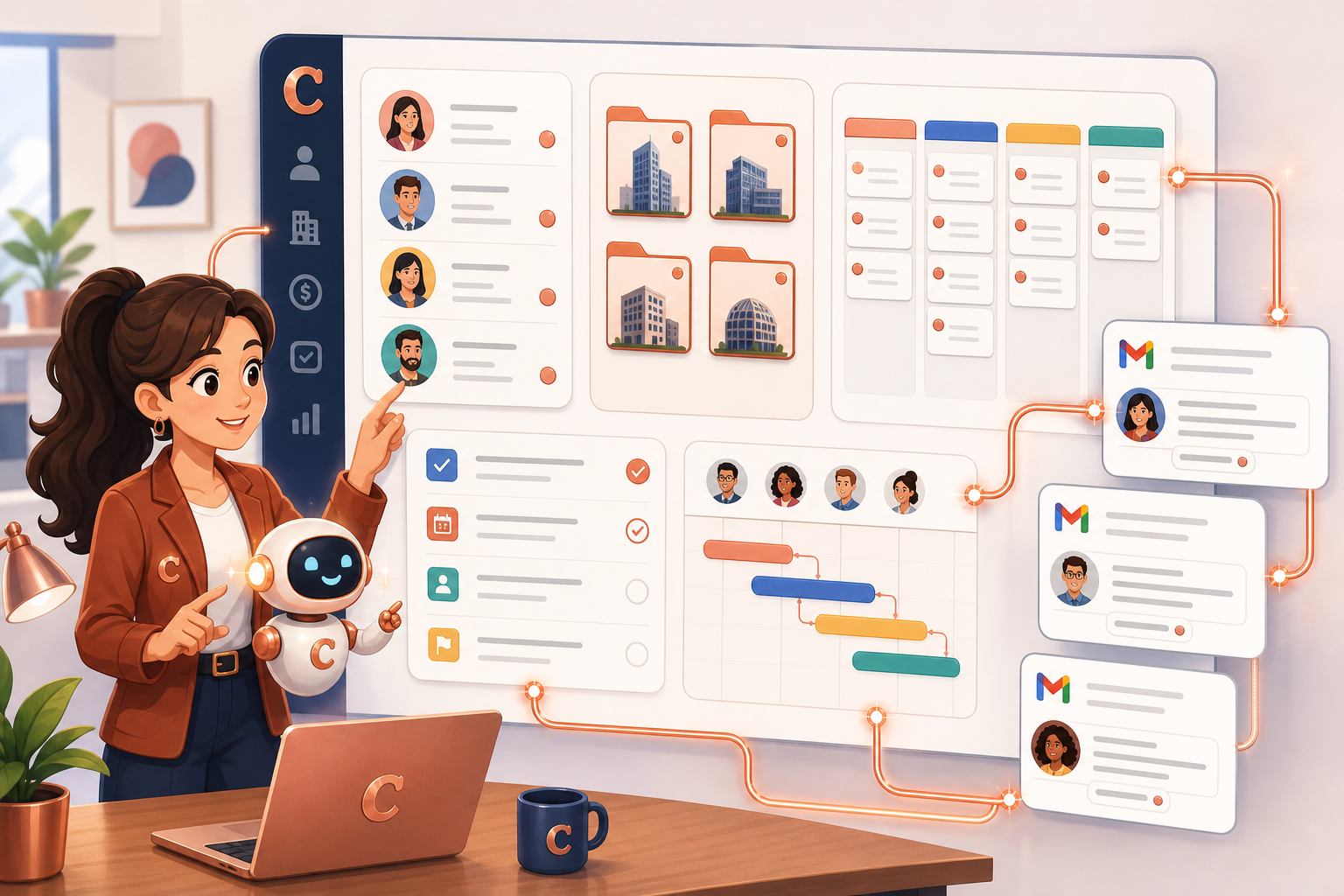
An AI sales assistant organizing Copper CRM contacts, company folders, pipeline cards, project tasks, and Gmail-style messages on a dashboard

Aircall with AI: Turning Missed Calls into Follow-Up Workflows

· 7 min read
MCPBundles

Most "AI for call centers" demos stop at call history: fetch a recent call, summarize the transcript, and move on. That is useful for a screenshot. It does not help a support or sales team run the queue.

Picture this instead. Ten calls were missed while the team was in a meeting. Two came from existing customers. One came through a number that should have been assigned to the sales queue. Three agents are marked unavailable. The tags are inconsistent, so the weekly report undercounts escalations. A manager wants the follow-up list now, not a CSV export.

We see the same pattern across support teams: the hard part is rarely one missing field. It is the scattered context around the call.

We rebuilt the Aircall MCP server around that operations loop: validate the connection, read the account shape, list and inspect calls, match contacts, understand teams and numbers, then make narrow updates only where Aircall supports them.

PrestaShop with AI: Store Operations Need Workflows, Not Just Product Lookups

· 4 min read
MCPBundles

Most "AI for e-commerce" demos stop at the same trick: ask for a product, get a row back. That demos well. It does not run a store.

Picture this instead. Your summer collection went live yesterday. Half the size and colour combos are hidden. Two homepage categories are empty because nothing underneath is active. A holiday promotion expired last week but still shows on the storefront. Customers are checking out, but shipping for one zone is broken. Nobody noticed until support tickets piled up.

That is not a screenshot question. That is catalog, stock, orders, promotions, carriers, and customer messages — the work an ops lead normally walks through five admin tabs to finish.

The PrestaShop MCP server is built for those store-operation loops, not one-off product lookups.

Breezy HR with AI: Recruiting Workflows Need Stages, Not Just CRUD

· 4 min read
MCPBundles

Most ATS automation starts with a shallow question: can an agent create, read, update, and delete candidates?

That is the wrong first question. Recruiting work follows companies, open roles, pipeline stages, and candidates — not a flat contact list. If the agent only knows "update candidate," it still has to guess which role and which stage you mean.

The Breezy HR MCP server is built for recruiting workflows: see which roles are open, who is waiting in Applied or Interviewing, add a sourced candidate to the right job, and move people through stages when the hiring team is ready.

Mendeley with AI: Literature Reviews Need Reference Workflows, Not Just Search

· 6 min read
MCPBundles

Most "AI for research papers" demos stop at search: find a paper, summarize it, maybe extract a citation. Useful for a screenshot, useless for a real review.

Picture this instead. You have 240 papers saved in Mendeley for a RAG-evaluation review. Forty are missing DOIs. Eighteen have a citation record but no attached PDF. Six are duplicates from earlier exploratory searches. Your shared group library has 30 newer papers your collaborator added last week that you have not seen yet. None of that shows up in a "search the web" demo.

We rebuilt the Mendeley MCP server around that mess. An agent now works with your library as a library — saved papers, missing metadata, PDF files, folders, annotations, groups, trash, and all.

When AI Needs Hands: Crowdsourcing Human Workers via MCP

· 8 min read
MCPBundles

We ran into a problem a few weeks ago that none of our tools could solve. It wasn't a technical problem — the code was fine, the infra was fine. We just needed someone to go do a thing on a website. Sign up, click around, grab some information, paste it into a form. Repeat a bunch of times.

AI couldn't do it. The sites had captchas, email verification, multi-step flows. We tried browser automation and it broke immediately. We needed a person.

So we thought: what if our AI agent could just hire one?

Cartoon illustration of an AI robot reaching through a portal to hand tasks to human workers around the world