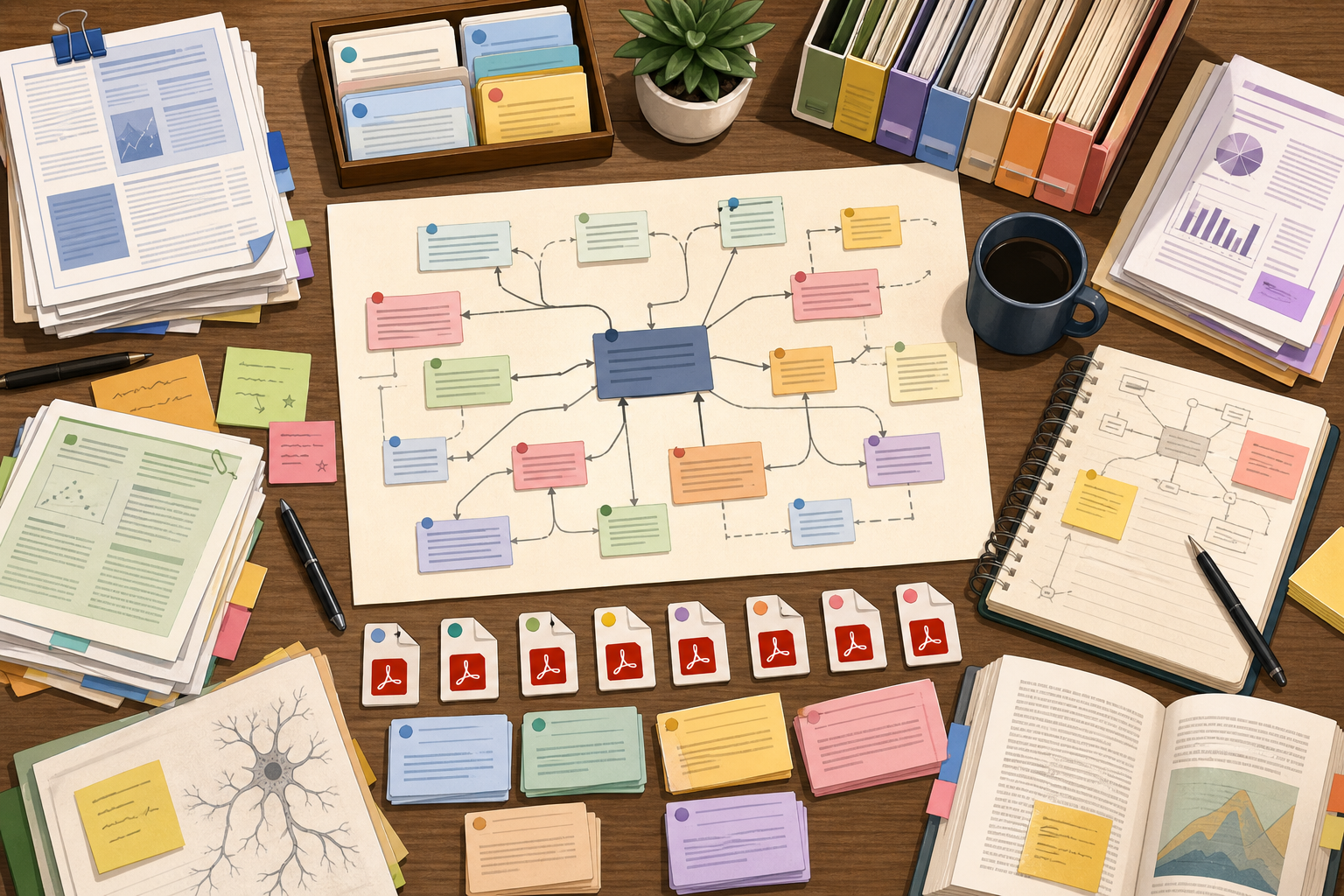
Mendeley with AI: Literature Reviews Need Reference Workflows, Not Just Search
Most "AI for research papers" demos stop at search: find a paper, summarize it, maybe extract a citation. Useful for a screenshot, useless for a real review.
Picture this instead. You have 240 papers saved in Mendeley for a RAG-evaluation review. Forty are missing DOIs. Eighteen have a citation record but no attached PDF. Six are duplicates from earlier exploratory searches. Your shared group library has 30 newer papers your collaborator added last week that you have not seen yet. None of that shows up in a "search the web" demo.
We rebuilt the Mendeley MCP server around that mess. An agent now works with your library as a library — saved papers, missing metadata, PDF files, folders, annotations, groups, trash, and all.
What an agent can do now
The Mendeley server now covers the main research-library lifecycle:
- Search personal library documents.
- Search the global Mendeley catalog by topic, DOI, identifier, title, or author.
- Create or update library document records from discovered metadata.
- Create, rename, move, and delete folders.
- Add documents to folders and remove folder membership.
- Upload PDF files to existing documents.
- List file records, download file content as base64, and delete attachments.
- List, create, update, and delete annotations.
- List, create, update, and delete private or invite-only groups.
- Move documents to trash, restore them, or permanently delete them from trash.
That combination matters because a citation record, a PDF file, a folder, an annotation, and a group are different objects. Good agent behavior depends on knowing those boundaries.
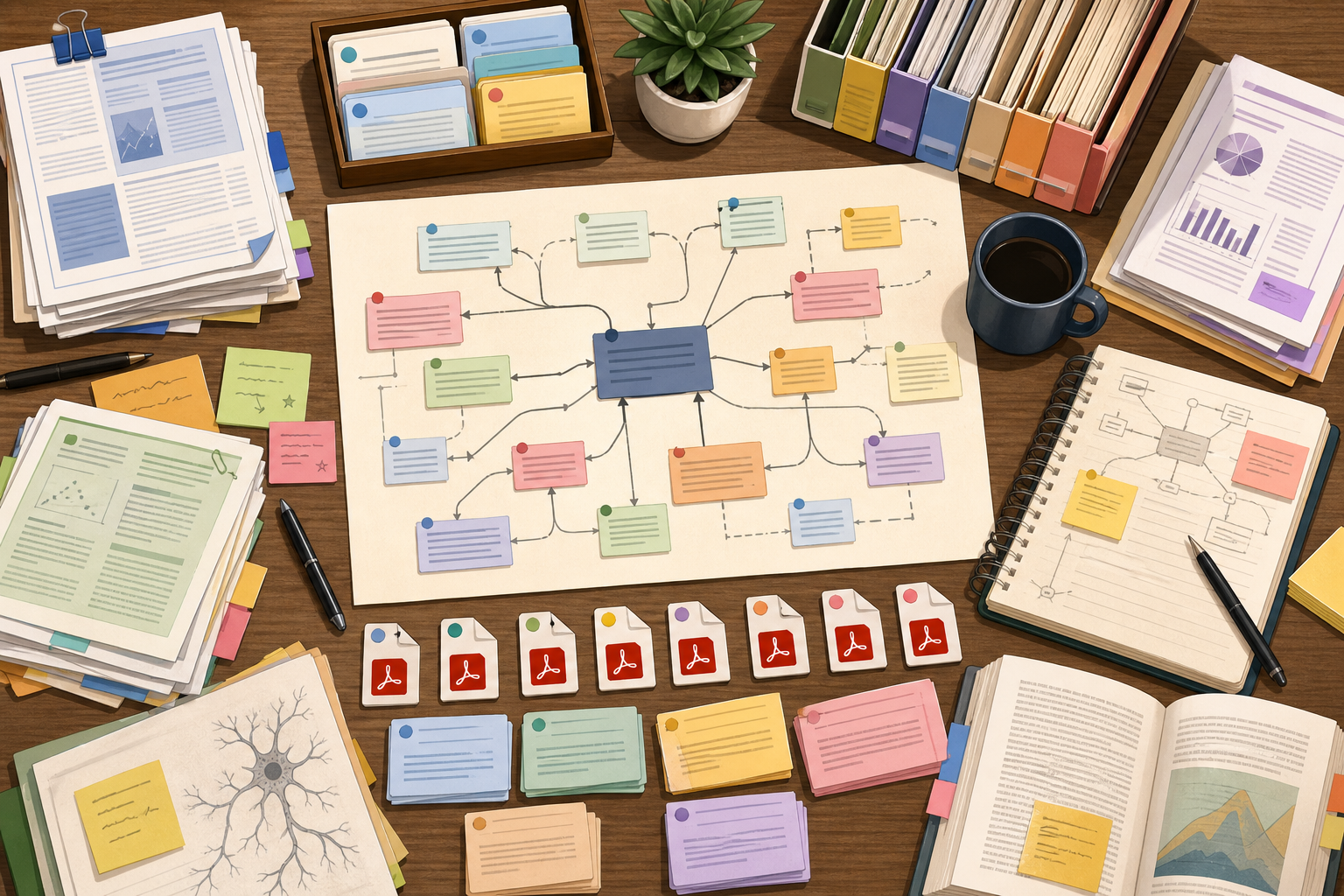
From discovery to a clean library
A typical literature-review prompt sounds like this. Find papers on retrieval-augmented-generation evaluation, separate the ones I already have saved from new catalog hits, save the strongest new ones into a "RAG eval" folder, and tell me which records still need a DOI before I can cite them.
The agent searches the existing Mendeley library first so it does not duplicate what is already saved, runs a catalog search for the rest, creates library documents from the best catalog records, groups the saved set by theme or year, drops the chosen papers into a project folder, and finally walks the resulting set looking for missing DOI or publication-year fields. The output names papers — not "you should look at some papers".
The whole thing is anchored to the connected Mendeley account, not to a generic web search. The library is the source of truth.
PDFs are attachments, not citations
In Mendeley a document and its file are different objects. A citation record can exist without a PDF, and a PDF can be deleted without losing the citation. Conflating them in agent code makes "delete this paper" ambiguous in a dangerous way.
So for a question like "which papers in my systematic review folder are missing a PDF, and which citation records look complete enough to cite", the agent walks the folder, then walks the file metadata for each document, and reports the ones that have a citation but no application/pdf attached. It can also upload a PDF to an existing document or remove a bad attachment without trashing the underlying paper.
Groups make this collaborative
Mendeley groups are shared libraries, not flat tags. The server lets an agent inspect group documents and folders, and create or update private or invite-only groups where Mendeley allows it.
That makes team prompts useful for the first time. List the newest documents in our shared Mendeley group, identify which papers a co-author still needs to triage, and separate the ones missing citation metadata from the ones missing a PDF. For a lab, a research-ops team, or a course reading group, the answer is "here are eleven papers added in the last seven days; six need DOIs and four are PDF-only with no abstract" instead of "here are some papers".
Cleanup has to be explicit
Research libraries accumulate test records, old attachments, and half-imported papers. Cleanup is useful, but it has to be careful.
The server separates the destructive steps:
- Delete a file attachment when the PDF is wrong but the citation should stay.
- Trash a document when the citation record should leave the library.
- Restore a trashed document when the deletion was premature.
- Permanently delete from trash only after review.
That separation gives agents a safer path for cleanup prompts. The model does not have to guess whether "delete this" means remove a PDF, remove a folder membership, trash a citation, or permanently purge the record.
What to try first
Three prompts in increasing breadth.
For a read-only review, ask the agent to search your Mendeley library for papers on AI evaluation, group the strongest matches by method, and list the citation details still needed before a literature review goes out. The output names DOIs and missing fields, not categories.
For a library-organization task, ask the agent to create an "RAG eval" folder, add the best matching papers from your library, and flag the ones missing DOI or publication year. The agent stops short of catalog search unless you ask, because library cleanup is its own task.
For shared work, point at a Mendeley group and ask which newly added papers need team follow-up, which are missing citation metadata, and which have a PDF but no abstract worth reading. The agent walks the group library, the per-document files, and the citation fields in sequence.
Reference docs and live example prompts are on the product page: Mendeley MCP server.
FAQ
Can an AI agent search both my library and the global Mendeley catalog?
Library search looks at documents saved in the connected account; catalog search looks at the global bibliographic database. The agent runs both, and is explicit about which results are already saved versus which would have to be created as new library documents.
Can it manage PDFs?
PDF management is first-class. The server uploads PDFs to existing documents, lists file metadata (filename, MIME type, size), downloads file content as base64 for inspection, and deletes file attachments without touching the underlying citation.
Can it work with shared research groups?
Group support covers listing groups, inspecting shared-library documents and folders, and creating or updating private and invite-only groups where Mendeley's API permits. Public-group writes are not exposed because Mendeley itself restricts that path.
Does permanent deletion happen automatically?
Permanent deletion is always a separate, explicit step. Safe cleanup is a four-stage flow: remove a bad PDF attachment, trash the document if the citation should leave the library, inspect trash to confirm, then permanently delete only after review. The agent will not skip stages.