MCP Server Hosting: Run Remote MCP Servers Without Infrastructure
Browse the full directory of remote and hosted MCP servers — 1,500+ live servers you connect via URL, no local process required.
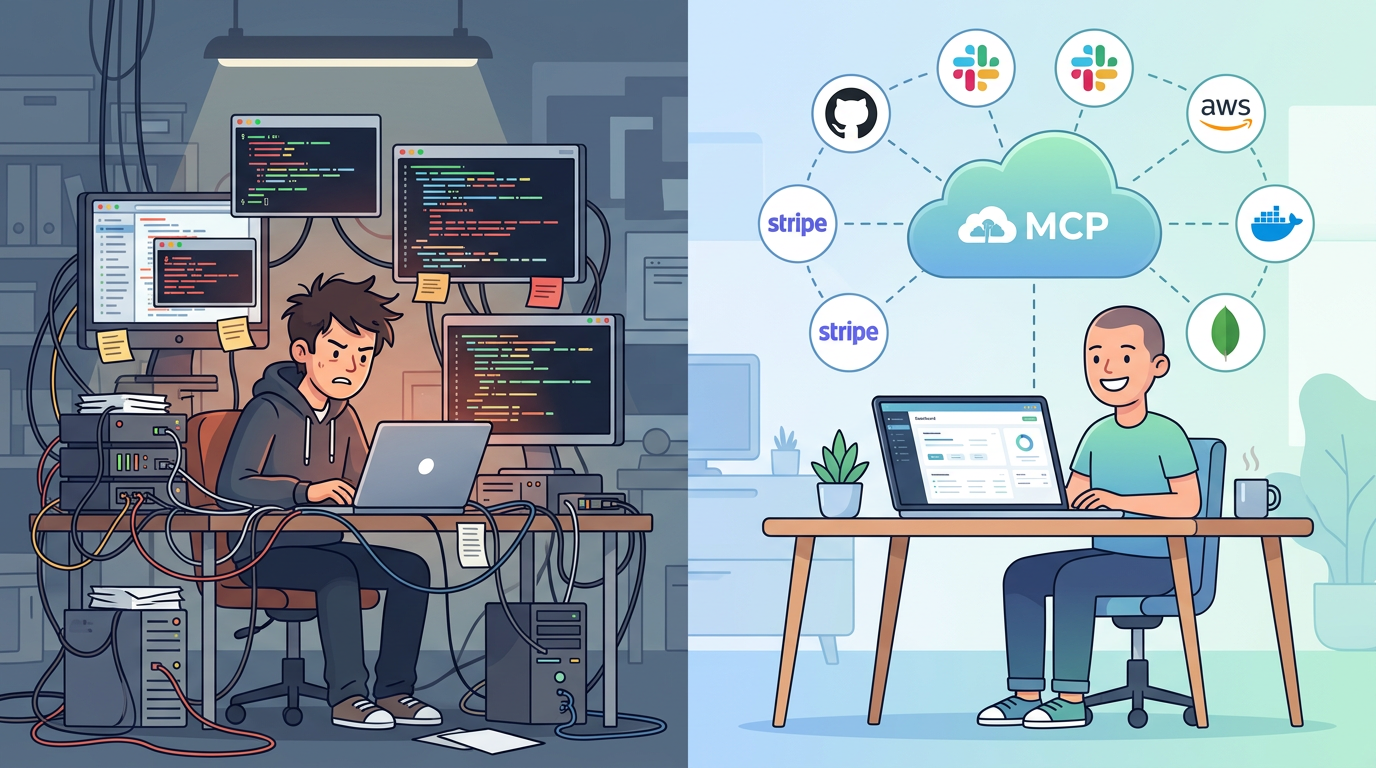
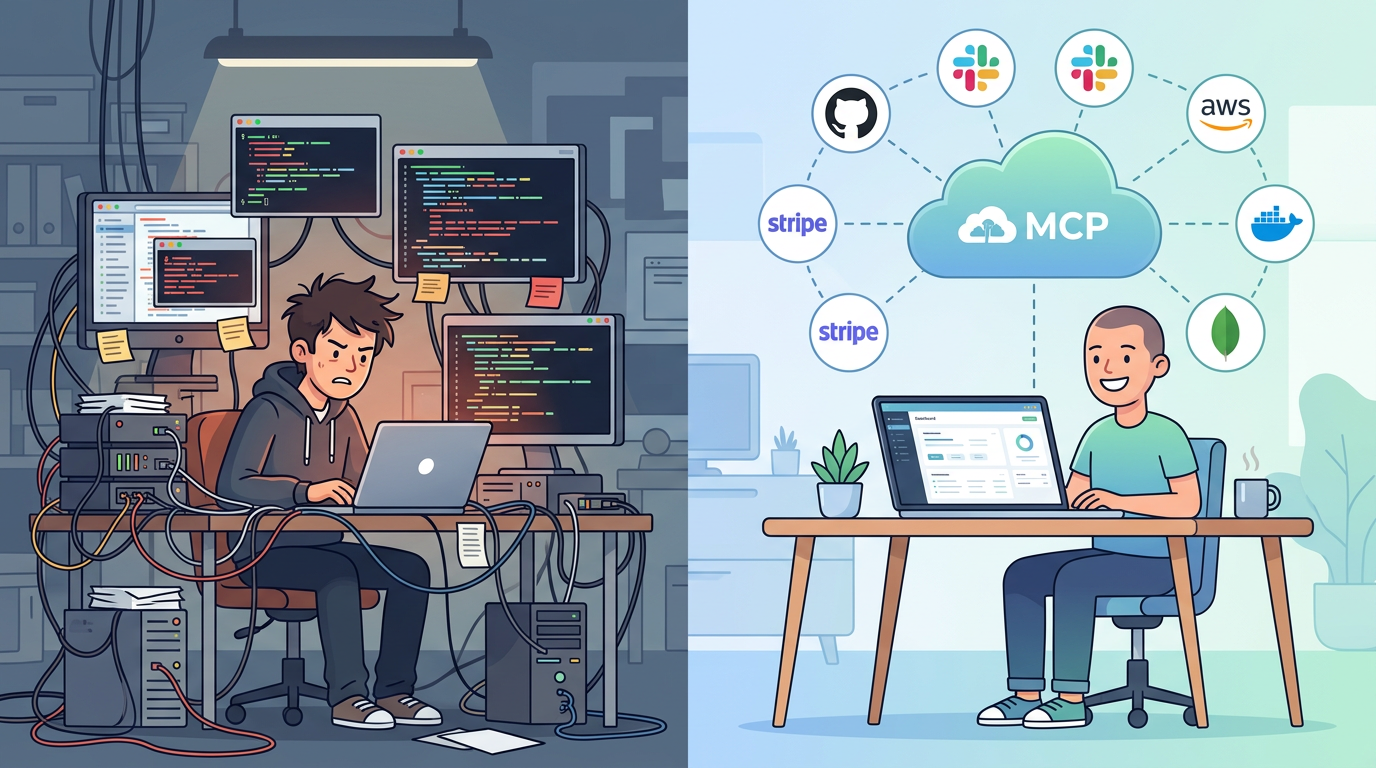
If you've set up an MCP server before, you know the drill. Clone a repo. Install dependencies. Add your API key to a JSON config file. Start the process. Configure your AI client to connect to localhost:3000. Repeat for every service you want to use.
It works. Until it doesn't. The process crashes silently. Your laptop sleeps and the server dies. You upgrade Node and the dependencies break. A teammate wants access and you're sharing API keys over Slack. You add a third service and now you're managing three server processes, three config files, and three sets of credentials in plaintext on your machine.
Local MCP servers are fine for trying things out. For daily use across a team, you need hosting.
What hosted MCP means
A hosted MCP server runs in the cloud and exposes a URL that any MCP client can connect to. Instead of localhost:3000, your AI connects to https://mcp.mcpbundles.com/bundle/your-bundle. No local process, no port conflicts, no server to keep alive.
MCPBundles hosts MCP servers for 1,500+ providers with 10,000+ tools. Your team connects services once — OAuth for things like HubSpot and Gmail, API keys for Stripe and Ahrefs — and the servers are live. Every AI session gets access automatically.
The difference from self-hosting:
| Self-hosted (local) | Hosted (MCPBundles) | |
|---|---|---|
| Setup | Clone repo, install deps, configure, start | Connect account, get URL |
| Credentials | Plaintext in JSON config files | Encrypted at rest, per-workspace |
| Uptime | Runs while your machine is on | Always available |
| Updates | Manual — pull, rebuild, restart | Automatic — new tools and fixes deployed continuously |
| Team access | Share API keys manually | Workspace-level credentials, one URL for the team |
| Multiple services | One process per service | One URL, all services |
| Transport | Usually stdio (requires local process) | Streamable HTTP (just a URL) |
Why remote MCP servers matter
Your team needs the same tools
The first time a teammate asks "how do I set up the Stripe MCP server?", you realize the problem. You can walk them through cloning the repo, installing deps, adding their own API key... or you can give them a URL.
With hosted MCP, everyone on the team connects to the same endpoint. Credentials are managed at the workspace level — connect Stripe once, and every team member's AI sessions can use it. No duplicating setup, no sharing secrets, no "it works on my machine."
Credentials belong in a vault, not a JSON file
Local MCP servers store credentials in config files:
{
  "mcpServers": {
    "stripe": {
      "env": {
        "STRIPE_API_KEY": "sk_live_4eC39HqLyjWDarjtT1zdp7dc"
      }
    }
  }
}
That's a production API key in a plaintext file on your filesystem. It ends up in shell history, backup snapshots, and occasionally git commits.
MCPBundles encrypts credentials at rest and injects them at call time. The API key never appears in your config files, your terminal, or your AI's context window. OAuth tokens auto-refresh without you touching anything.
Background agents need servers that don't sleep
Cursor's background agents and Claude Code's long-running sessions can work for hours. If they're calling local MCP servers, those servers need to stay alive the entire time. Your laptop sleeping, your terminal closing, or your VPN reconnecting all kill the connection.
Remote MCP servers are always available. Background agents connect via HTTPS and tools work regardless of what your local machine is doing.
Stdio vs Streamable HTTP
Most open-source MCP servers use stdio transport — they communicate through stdin/stdout, which means they must run as a local subprocess on your machine. That's why you see "command": "npx", "args": [...] in config files.
Remote MCP servers use Streamable HTTP (or SSE) transport — they communicate over HTTPS. Your AI client sends a request to a URL and gets a response. No local process needed. This is the transport that scales: it works across machines, across networks, and across team members.
MCPBundles uses Streamable HTTP. Your entire MCP config is a URL:
{
  "mcpServers": {
    "my-tools": {
      "url": "https://mcp.mcpbundles.com/bundle/your-bundle"
    }
  }
}
What you can host
MCPBundles hosts MCP servers for every major SaaS category:
- Payments: Stripe, Chargebee, Recurly, ChurnKey
- CRM: HubSpot, Attio, Salesforce, Close
- Databases: PostgreSQL, MySQL, Supabase, Weaviate
- Email: Gmail, SendGrid, Fastmail, Campaign Monitor
- Analytics: PostHog, Plausible, Google Analytics, FullStory
- SEO: Google Search Console, Ahrefs, Google Ads
- Developer Tools: GitHub, Linear, Sentry, LaunchDarkly, Datadog
- Cloud: AWS, Cloudflare, Vercel
- Finance: QuickBooks, Xero, Brex
- Project Management: Asana, Notion, Monday.com
Browse all 1,500+ providers at mcpbundles.com/providers. See our Best MCP Servers guide for recommendations by category, or browse the MCP marketplace.
You can also bring your own MCP server. If you've built a custom server for an internal API, MCPBundles can host it alongside the catalog services — same credential management, same endpoint, same team access.
Works with every AI platform
Remote MCP servers work with any client that supports the MCP protocol:
- Claude Desktop — add the URL to
claude_desktop_config.json - Claude Code —
mcpbundles initor manual config - Cursor — add to
.cursor/mcp.jsonor use the CLI - Windsurf — add to
mcp_config.jsonor use the CLI - ChatGPT — native MCP support with remote servers
- Any MCP client — standard Streamable HTTP protocol
Getting started
pip install mcpbundles
mcpbundles connect my_workspace
mcpbundles init
Or add a bundle URL directly to your AI client's MCP config. Get your URL from the MCPBundles dashboard.
- Providers — browse 1,500+ hosted services
- Tools — search 10,000+ individual tools
- What is MCP? — understand the protocol
- CLI guide — full CLI reference
FAQ
What is MCP server hosting?
MCP server hosting means running MCP servers in the cloud so AI agents can connect via a URL instead of a local process. You don't run server processes, manage dependencies, or store credentials locally. The hosted server handles authentication, rate limiting, and uptime.
What is a remote MCP server?
A remote MCP server communicates over HTTPS using Streamable HTTP transport, as opposed to local servers that use stdio (stdin/stdout). Remote servers don't need a local process — your AI client connects to a URL. This enables team sharing, background agent support, and always-on availability.
Can I host my own custom MCP server on MCPBundles?
Yes. MCPBundles supports bringing your own MCP server alongside the 1,500+ providers in the catalog. Your custom server gets the same credential management, team sharing, and hosting infrastructure.
Is hosted MCP secure?
MCPBundles encrypts all credentials at rest, auto-refreshes OAuth tokens, and never exposes API keys in config files or AI context. Credentials are injected at call time and scoped per-workspace. Audit logs track every tool execution.
How much does MCP server hosting cost?
Sign up at mcpbundles.com to explore pricing. Free accounts can connect services and test tools.