
Introducing the Hub: Cross-Service AI Workflows Without Tool Overload
Tool overload is real. Give AI 50 tools and it gets confused—slow, wrong tool selections, data dumps instead of answers. We've always solved this with focused bundles: give AI 5-15 tools for a specific workflow, and it works great.
But what about when you need data from multiple services at once?
That's why we built the Hub. It uses programmatic tool calling—AI discovers tools on-demand and writes code to orchestrate them—so you can work across all your connected services without the overload problem.
This builds on recent research from Anthropic—their work on advanced tool use and code execution with MCP. We took these patterns and made them accessible to anyone with an MCPBundles account.
The Problem

Traditional AI assistants hit walls fast. Ask them to "find all my deals closing this quarter and check which ones have recent support tickets" and they'd need to make separate requests, lose track of context, and often just give up.
The bigger problem is that every piece of data from every tool flows directly into the conversation. Ask for a customer list and suddenly you're staring at thousands of records clogging up the chat.
There had to be a better way.
The Solution

With programmatic tool calling, your AI doesn't just call tools—it writes code to chain them together. It loops through data, filters results, combines information from multiple sources, and gives you exactly what you asked for.
Say you want to know which open deals have gone cold. Ask which ones haven't had activity in 30 days and whether any have related support tickets. The AI grabs your open deals from HubSpot, keeps only the stale ones, checks each against your support system, and hands you a prioritized list. Seven deals need attention, three have support issues, here's what to do next. No copy-pasting between apps. No spreadsheet gymnastics.
Content strategy works the same way. Ask about your top 20 blog posts and which topics deserve more attention. Traffic data comes from analytics, top performers get identified, themes get analyzed, keyword data from Ahrefs fills in the gaps. You end up with specific topic recommendations backed by real numbers.
Customer health scoring across your top 50 accounts. Investor pipeline reviews in Affinity, sorted by check size for the ones you've been neglecting. Stuff that used to take hours.
Why It Matters
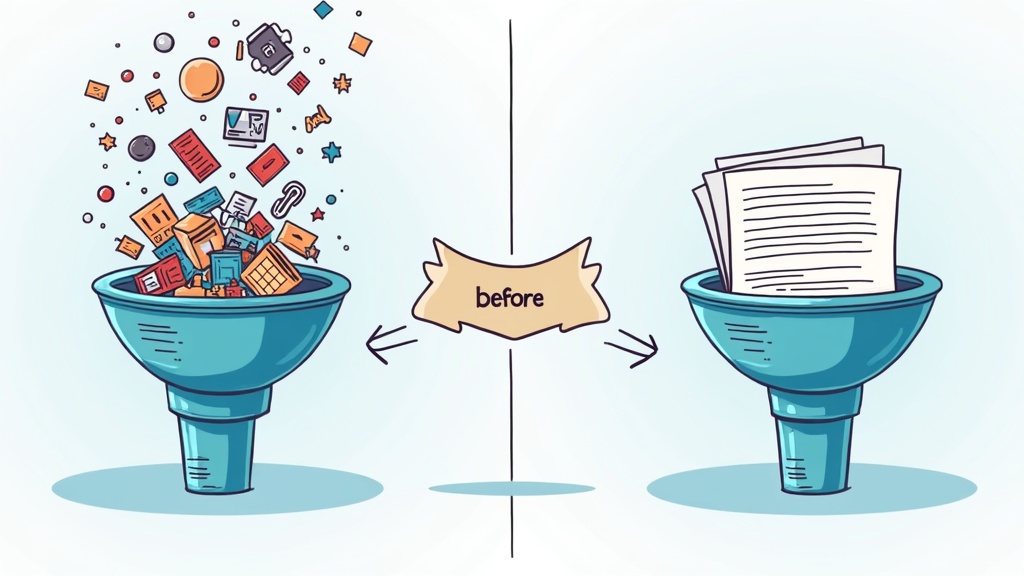
Before, you'd say "Can you check HubSpot for..." then "Now can you check Ahrefs for..." then "Okay now combine those..." Now you ask once and get everything.
The AI can process hundreds or thousands of records behind the scenes. You only see what matters. No more truncated results or "showing first 10 of 847."
And you can chain any tools together. HubSpot plus Affinity plus PostHog plus Trello plus Ahrefs plus X. Because the AI processes data before returning it, you get smart filtering instead of data dumps. Ask about exceptions, outliers, priorities—get exactly those.
How the Hub Avoids Overload

Here's the trick: the Hub doesn't show AI all 200+ tools upfront. Instead, it starts with just three meta-tools—list bundles, search tools, get tool info. AI discovers what it needs only when it needs it, then writes Python code to call those tools and process the data.
You ask a question in plain English. The AI figures out which tools can help, writes a workflow, runs it with your credentials, and returns the insights. Not the raw data. The heavy lifting happens behind the scenes while you stay focused on decisions.
Focused bundles are still the best choice for everyday work in one domain—connect a sales bundle to ChatGPT and work with just those tools. The Hub is for when you need to combine data across services—available in Bundle Studio.
Getting Started
For everyday work: Connect your tools through OAuth, add a focused bundle to Claude or Cursor, and work within that domain. Fast, reliable, no confusion.
For cross-service analysis: Open Bundle Studio and use the Hub. Ask the complex, multi-step questions that usually get punted—like finding cold deals with support tickets, or analyzing which content topics to prioritize.
No code required. No workflow builders. Just pick your approach.
Sign up for MCPBundles and see what's possible.
Questions? Join our Reddit community.