7 posts tagged with "Features"

Platform features and capabilities

View All Tags

Dynamic Bundles: Hub-Style Power Inside Any Bundle

· 3 min read
MCPBundles

Tool overload is real.

It shows up as lag. Wrong tool picks. Weird, half-finished workflows. Or the model just dumps a wall of raw data at you and calls it a day.

We’ve always had a simple answer: keep bundles focused. 5–15 tools for one job.

That still works great.

But sometimes you do want a big bundle. A real “everything I use for this role” bundle.

Now you can do that without turning your AI into a confused mess.

Every bundle can run in Dynamic.

MCP Tool Observability: See Every Call Your AI Makes

· 3 min read
MCPBundles

Your AI assistant calls a tool through MCP. What actually happened? Did it work? How long did it take? What did it send, and what did it get back?

Before now, you'd dig through logs or just hope your AI would explain what happened. That's not enough.

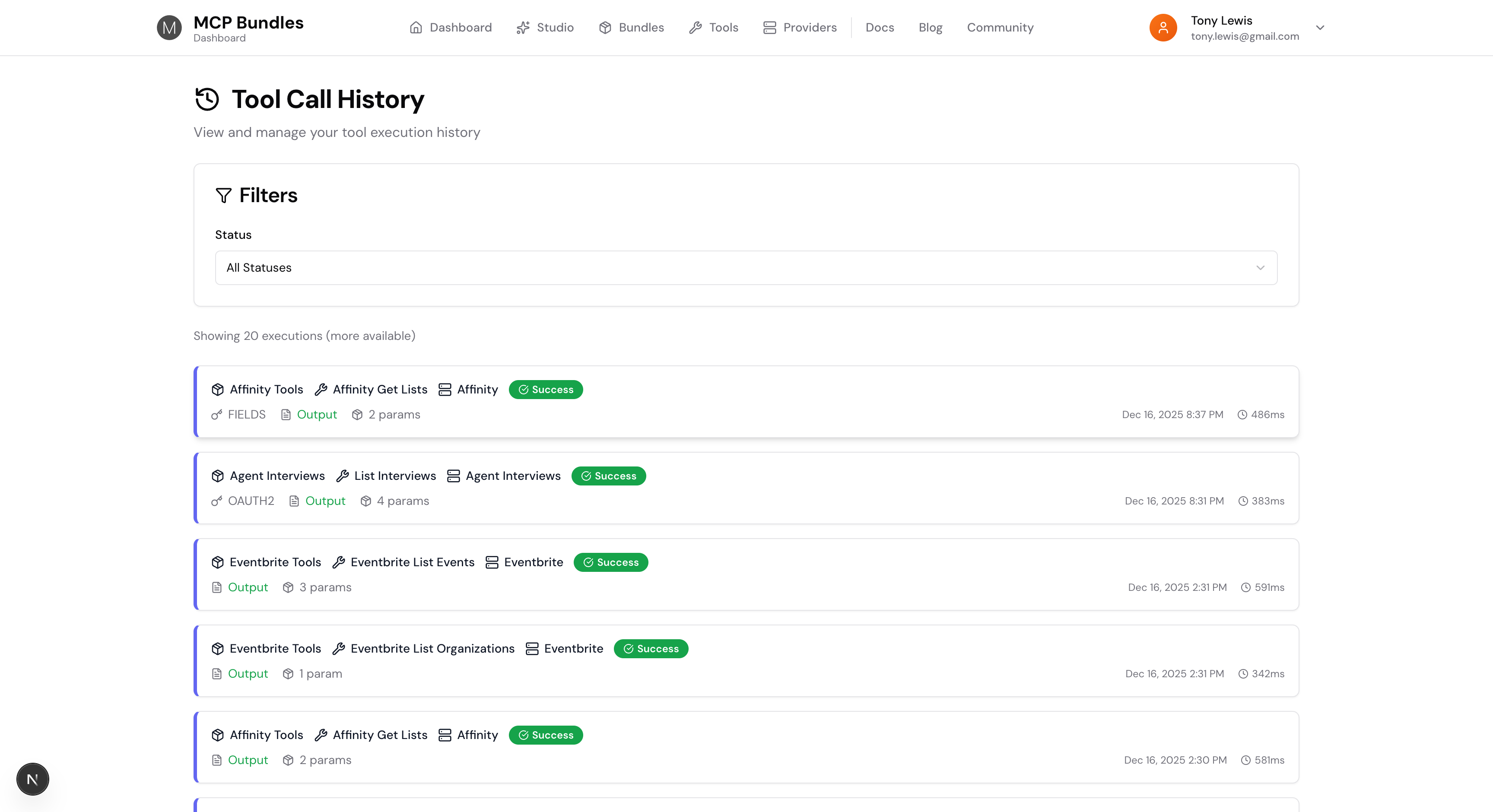
We built complete tool execution tracking right into MCP Bundles. Every tool call gets logged with full context—timing, credentials used, results, everything. You can see exactly what your AI is doing, debug failures fast, and understand your tool usage patterns.

Tool History List

Introducing the Hub: Cross-Service AI Workflows Without Tool Overload

· 5 min read
MCPBundles

Tool overload is real. Give AI 50 tools and it gets confused—slow, wrong tool selections, data dumps instead of answers. We've always solved this with focused bundles: give AI 5-15 tools for a specific workflow, and it works great.

But what about when you need data from multiple services at once?

That's why we built the Hub. It uses programmatic tool calling—AI discovers tools on-demand and writes code to orchestrate them—so you can work across all your connected services without the overload problem.

This builds on recent research from Anthropic—their work on advanced tool use and code execution with MCP. We took these patterns and made them accessible to anyone with an MCPBundles account.

What is a .mcpb File? App Bundles for AI

· 5 min read
MCPBundles

If you've ever installed an app on your computer—double-clicking a .dmg file on Mac or a .exe on Windows—you already understand .mcpb files.

Anthropic introduced the .mcpb extension (MCP Bundle) as the standard packaging format for distributing MCP servers. Think of it as the "app bundle" for AI tools: one file that contains everything needed to give your AI assistant new capabilities.

Cartoon illustration of a person explaining what an MCP bundle file is for AI applications, happy expression
Anthropic's .mcpb packaging makes MCP servers easy to install for cloud-powered AI automation.

MCP Resources: Give Your AI a File System

· 5 min read
MCPBundles

If you've used AI assistants, you've probably hit this frustration: you need to re-explain context every time you start a new conversation. That database schema you carefully described yesterday? Gone. The code snippet you asked about last week? You're pasting it in again.

MCP Resources solve this. They let you give your AI access to files and data that persist across conversations — like giving your assistant a file cabinet instead of asking them to memorize everything.