23 posts tagged with "Developer Tools"

Tools for developers and development workflows

View All Tags

Cursor MCP Tools: Give Your AI Coding Agent 10,000+ Real API Tools

· 7 min read
MCPBundles

Here's the thing nobody tells you about Cursor's agent mode: it's brilliant at working with code and completely blind to everything your code talks to.

Last week we were debugging a webhook handler. Cursor had the code open, understood the control flow, spotted a race condition in the retry logic. Genuinely impressive. Then we needed to know whether the bug was actually hitting production — were customers seeing duplicate charges? The agent that just did 15 minutes of sophisticated code analysis couldn't answer a basic factual question about our own Stripe data.

So we opened a browser tab, logged into Stripe, searched for the customer, scrolled through PaymentIntents, compared timestamps manually, went back to Cursor, and typed what we found. The AI had all the context and none of the data.

We got tired of being the copy-paste bridge between our IDE and our dashboards.

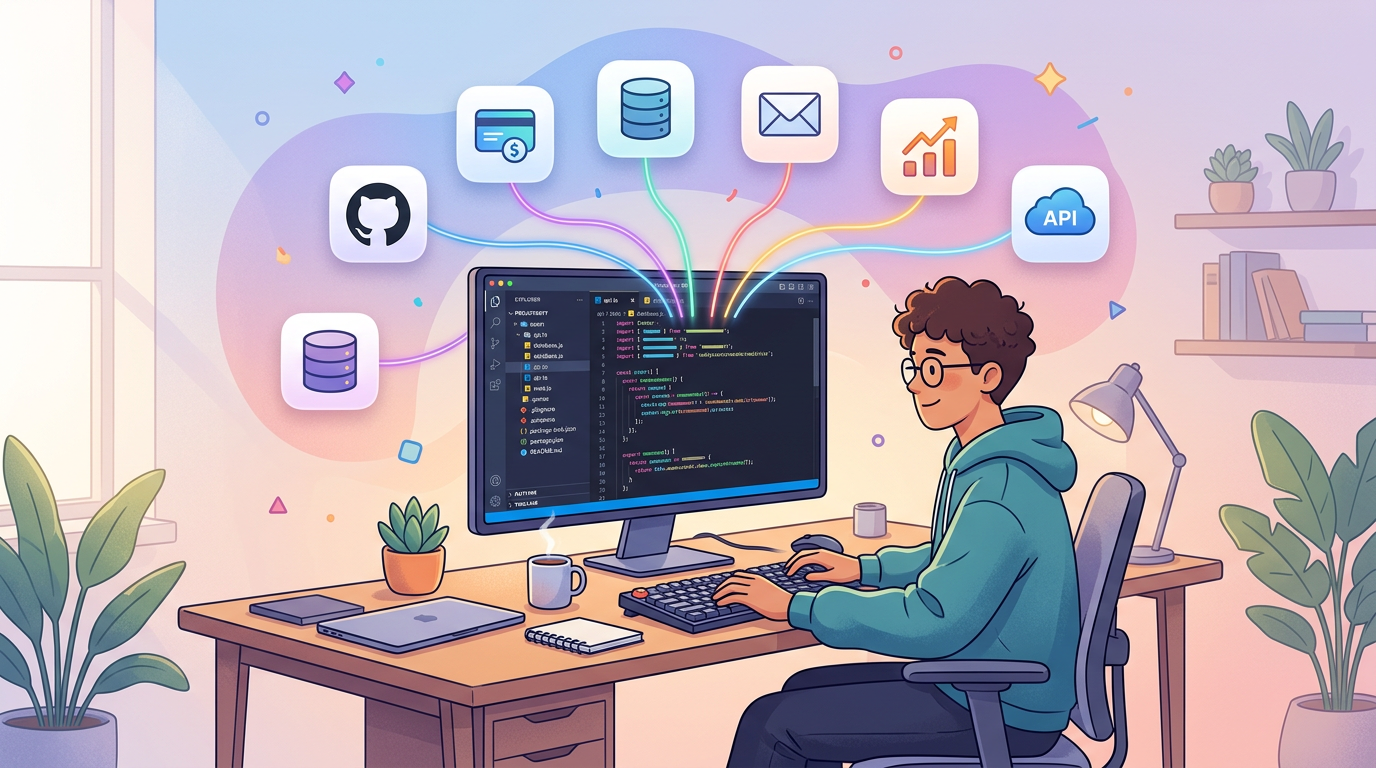
Developer using Cursor with MCP tools connected to production services

MCP Marketplace: Browse 500+ Providers and 10,000+ AI Tools

· 5 min read
MCPBundles

Glama indexes 20,000+ MCP servers. Smithery has 8,000+. mcp.so has 6,000+. There's no shortage of servers to find.

The problem is everything that happens after you find one.

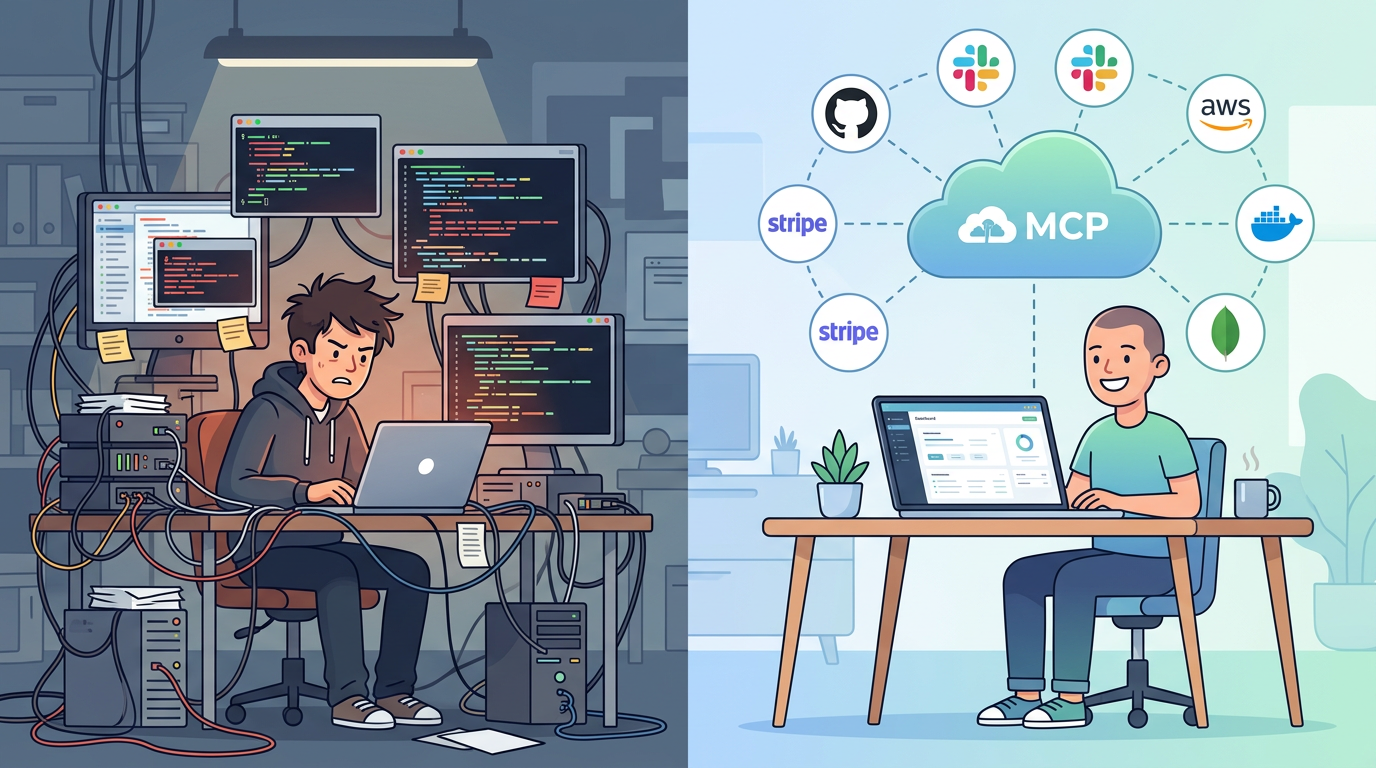
You pick a promising-looking Stripe MCP server from a directory. Now you need to clone the repo, install its dependencies (hope they don't conflict with yours), figure out whether it uses env or args for the API key, add your key to a JSON config file in plaintext, start the process, and configure your AI client to talk to localhost:3000. If you're lucky, it works. If the repo hasn't been updated in three months, it probably doesn't.

Repeat that for every service you want to connect. We got to five local MCP server processes before we gave up and built something better.

MCP Marketplace — browse and connect AI tools

MCP Server Hosting: Run Remote MCP Servers Without Infrastructure

· 6 min read
MCPBundles

If you've set up an MCP server before, you know the drill. Clone a repo. Install dependencies. Add your API key to a JSON config file. Start the process. Configure your AI client to connect to localhost:3000. Repeat for every service you want to use.

It works. Until it doesn't. The process crashes silently. Your laptop sleeps and the server dies. You upgrade Node and the dependencies break. A teammate wants access and you're sharing API keys over Slack. You add a third service and now you're managing three server processes, three config files, and three sets of credentials in plaintext on your machine.

Local MCP servers are fine for trying things out. For daily use across a team, you need hosting.

Remote MCP server hosting

MCPBundles CLI: Give Your AI Coding Agent Access to 10,000+ Production Tools

· 7 min read
MCPBundles

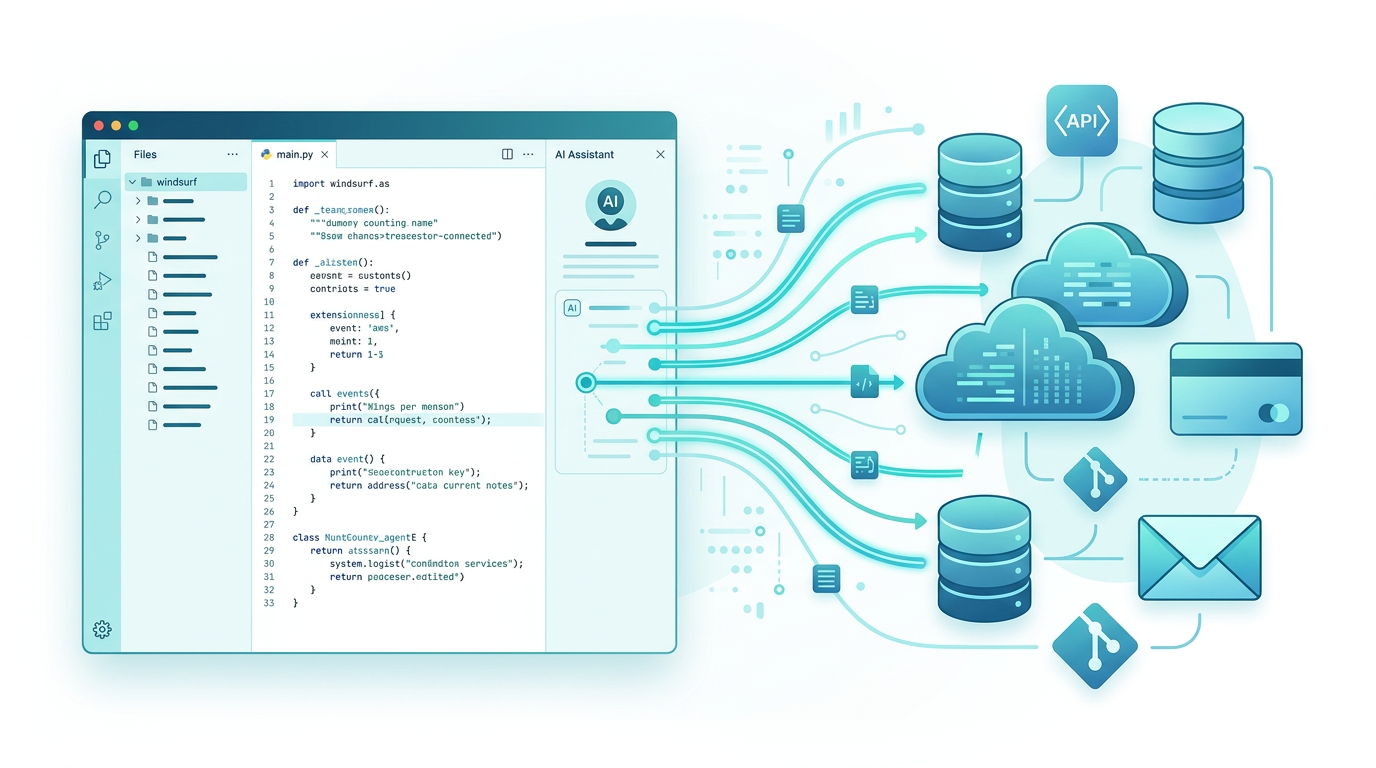
MCPBundles has always worked as an MCP server. You add it to Claude Desktop, Cursor, ChatGPT, or any MCP-compatible client, and your AI gets access to Stripe, HubSpot, Postgres, PostHog, Gmail, and every other service you've connected — with real credentials, real permissions, and real data.

The MCPBundles CLI is an alternative way to access those same tools. Instead of configuring MCPBundles as a remote MCP server in your client, you install a command-line tool and authenticate with an API key. The AI agent discovers and calls your tools through shell commands — the same 10,000+ tools, the same credentials, the same workspace permissions.

pip install mcpbundles

Connect AI to Your PostgreSQL Database in 2 Minutes

· 6 min read
MCPBundles

You've got PostgreSQL databases you query all the time. Maybe it's your local dev database running on your laptop. Maybe it's your production database on a remote server. You used to hook them up to a BI tool or write SQL queries manually.

Now you want to query them with AI instead. Ask questions in plain English, get answers back.

But Claude can't access localhost. ChatGPT can't connect to remote databases with username/password auth. They're stuck in their own environments.

Install mcpbundles. Problem solved.

Cartoon illustration of developer connecting AI assistant to local and production PostgreSQL databases through secure proxy
Connect AI to your local dev database or remote PostgreSQL in under 2 minutes. No cloud dependencies.

PostgreSQL Database Tools: 38 Tools Organized Into 6 Use-Case Bundles

· 9 min read
MCPBundles

We just integrated PostgreSQL—the powerful open-source relational database—into MCPBundles. But here's the challenge: PostgreSQL exposes 38 different database tools covering everything from SQL queries to schema inspection to performance optimization. How do you make 38 tools discoverable and useful without overwhelming users?

The answer: use-case driven bundles. Instead of dumping 38 tools into one massive bundle, we organized them into 6 focused bundles based on what database professionals actually do. Every tool appears in the main "PostgreSQL" bundle, plus at least one specialized bundle aligned to specific workflows.

Cartoon illustration of a person organizing PostgreSQL database tools into focused bundles, happy expression
Organize PostgreSQL's 38 database tools into 6 focused bundles for data exploration, schema discovery, performance analysis, data quality, and development operations.