2 posts tagged with "Proxy"

Proxy services for local connections

View All Tags

Obsidian MCP Server: Connect Your AI to Your Vault (Claude, ChatGPT, Cursor)

· 15 min read
MCPBundles

Most Obsidian MCP servers give you six tools: read a file, write a file, search, list, patch, delete. Basic CRUD over Markdown. That's table stakes.

This one does things the others can't. Your AI sees images in your vault — diagrams, whiteboard photos, screenshots — through actual vision, not file paths. It traverses your wikilink graph and finds orphaned notes nothing links to. It edits a specific section of a document by heading or block reference without overwriting the rest. It lists every open task across your entire vault. It runs Obsidian commands directly from the command palette.

It works with Claude Desktop, ChatGPT, Cursor, Windsurf, or any MCP client. No npm install, no local server, no JSON config. One remote URL and your AI has the tools.

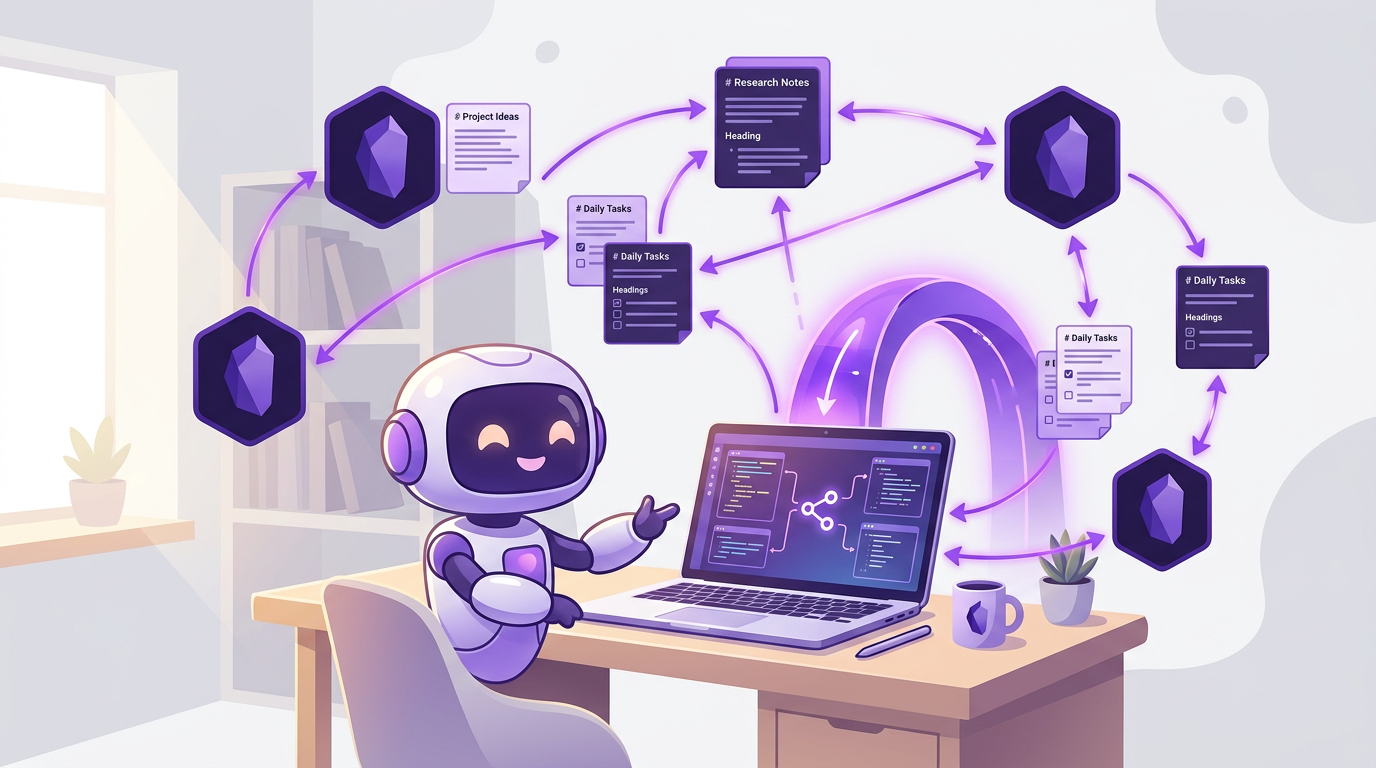
Cartoon illustration of AI assistant interacting with Obsidian vault notes, tags, and wikilinks through a secure proxy tunnel
Your AI navigates your vault, sees your images, analyzes your graph, manages tasks, and surgically edits any section of any note.

Connect AI to Your PostgreSQL Database in 2 Minutes

· 6 min read
MCPBundles

You've got PostgreSQL databases you query all the time. Maybe it's your local dev database running on your laptop. Maybe it's your production database on a remote server. You used to hook them up to a BI tool or write SQL queries manually.

Now you want to query them with AI instead. Ask questions in plain English, get answers back.

But Claude can't access localhost. ChatGPT can't connect to remote databases with username/password auth. They're stuck in their own environments.

Install mcpbundles. Problem solved.

Cartoon illustration of developer connecting AI assistant to local and production PostgreSQL databases through secure proxy
Connect AI to your local dev database or remote PostgreSQL in under 2 minutes. No cloud dependencies.