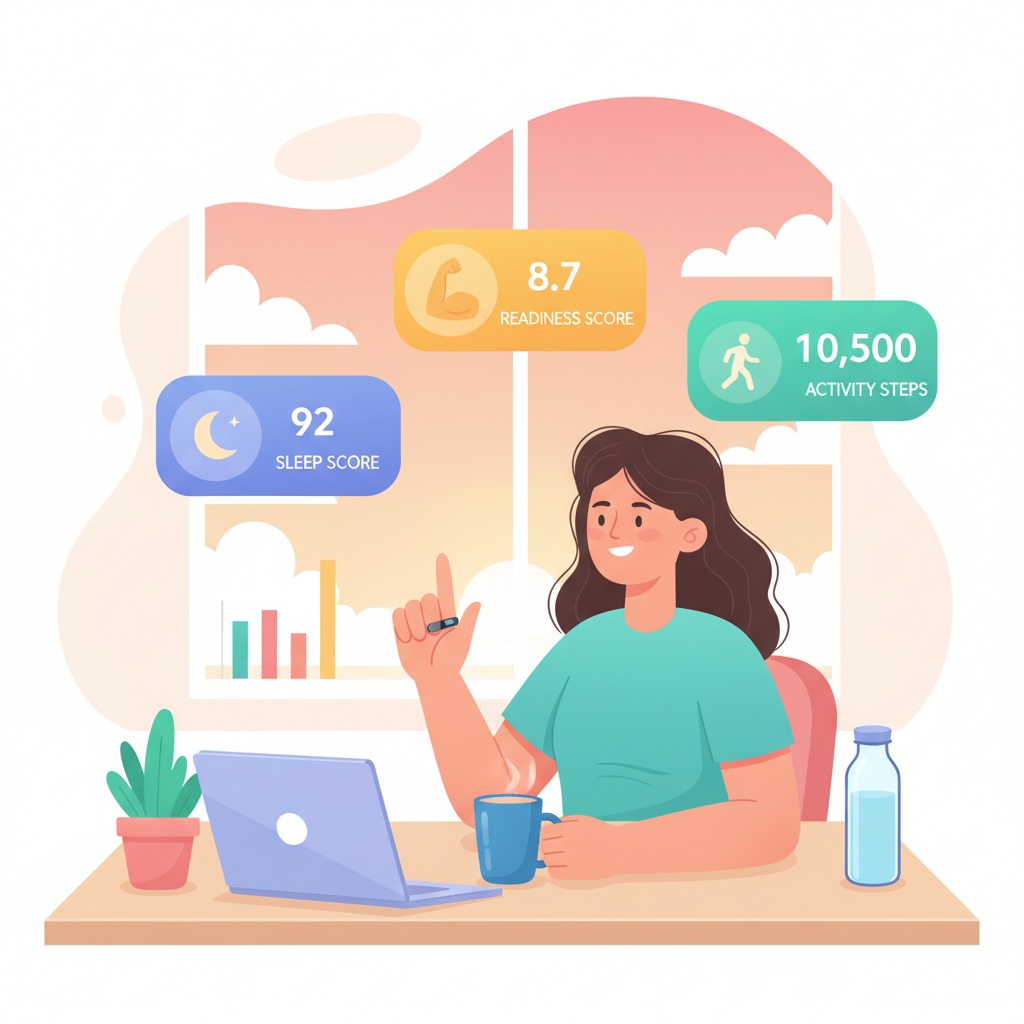
Oura Wellness Coaching Workflows with AI
TL;DR
- The Oura MCP server connects your agent to a wearer's Oura Cloud history — readiness, sleep, activity, stress, workouts, and tags — after they sign in with Oura on MCPBundles.
- Oura reported it is on pace to surpass five million paid members in Q2 2026 (MobiHealthNews, May 2026) — coaches and corporate wellness teams increasingly need summaries, not another dashboard tab.
- Built for operators who run recurring check-ins: prep Monday calls, spot recovery dips, and compare last week to the week before without exporting CSVs from the mobile app.
It's 7:45 on Monday and your calendar shows six Oura clients before lunch. Each one expects you to remember how they slept, whether readiness bounced back after travel, and if last week's step goal actually moved. You could open the Oura app six times, swipe through date pickers, and paste notes into a spreadsheet — or you could ask your agent for the same picture in plain language.
That's the workflow we shipped for: recurring wellness coaching where the ring already captures the signal and the bottleneck is assembling it fast enough to use in conversation.
Monday prep before the first call
A good check-in starts with three numbers — readiness, sleep score, and activity — plus enough context to explain a dip. Coaches rarely need raw charts; they need a short narrative they can sanity-check in thirty seconds.
Point the agent at the client's connected Oura account and ask for a date window. It can pull daily readiness, sleep, and activity for the last seven days and flag the lowest night, the best recovery day, and whether steps trended up or flat.
"For Harbor Wellness client Alex, summarize readiness, sleep score, and steps for the past week. Call out any day below 70 on readiness and what sleep looked like the night before."
If someone's traveling, widen the ask: "Compare the three days before the flight to the three days after — did sleep latency spike?"
Spot stress before it becomes a talking point
Sleep score alone misses weeks where the ring shows elevated stress even when total hours look fine. Corporate wellness leads use stress and resilience trends to decide who needs a lighter program week — not a generic "how are you feeling?" opener.
Ask for stress alongside sleep for the same window. The agent can rank days by stress load and tie them to tags or workouts if the client logged them.
"Show daily stress for the last fourteen days for Bright Path cohort member Jordan. Highlight the three highest-stress days and list any workouts or tags on those dates."
When SpO2 or resilience is part of your program, fold it in once: "Add resilience scores for that same two-week window and note whether recovery trended down heading into Friday."
Weekly cohort rollups
Group programs drown in individual app sessions. A facilitator wants one table — who's green, who's amber, who hasn't synced — before the group call, not six separate exports.
The agent can walk the same readiness-and-sleep question across named clients if each has connected Oura on your workspace, or you can run the pattern client by client in one thread. The output is a rollup you paste into your roster doc.
"For each of my Oura-connected clients this week, list average readiness, average sleep score, and total steps. Flag anyone with two or more readiness scores under 65."
For enterprise wellness, pair the rollup with rest-mode awareness: "Note anyone who entered rest mode during the week — exclude those days from step comparisons."
Workouts, sessions, and tags that explain the score
Clients remember the hike that wrecked their HRV; coaches remember the meditation block they assigned. Oura stores workouts, wellness sessions, and tags — the labels people tap when something unusual happened.
Use those rows to explain outliers instead of guessing from score alone.
"Pull workouts and tags for the last ten days for Northwind Wellness client Sam. Match them to the two lowest readiness scores and suggest one follow-up question for each."
Session history helps hybrid coaches who assign breathwork or guided recovery: "List sessions logged this month and whether readiness improved the day after each one."
Device and sync sanity checks
Empty weeks usually mean the ring didn't sync, not that the client vanished. Before you assume non-compliance, ask whether configuration and battery look normal and whether rest mode explains missing activity.
"Check ring configuration and battery samples for the last three days for Acme Wellness client Riley. If battery dropped below 20%, say so before we discuss step counts."
That saves an awkward call where you critique inactivity that was really a dead battery on a red-eye.
Connect and try it
Connect Oura on MCPBundles, have each client sign in with their Oura account once, and ask from Claude Code, Cursor, or whatever agent you already use. Example prompts and setup live on the product page.
Starter prompts that match how coaches actually work:
"Summarize my client's Oura readiness and sleep for the past seven days — lowest day first, with steps on that day."
"Compare this week's average sleep score to last week and tell me if activity increased."
"List workouts and tags from the past fourteen days and tie them to readiness dips below 70."