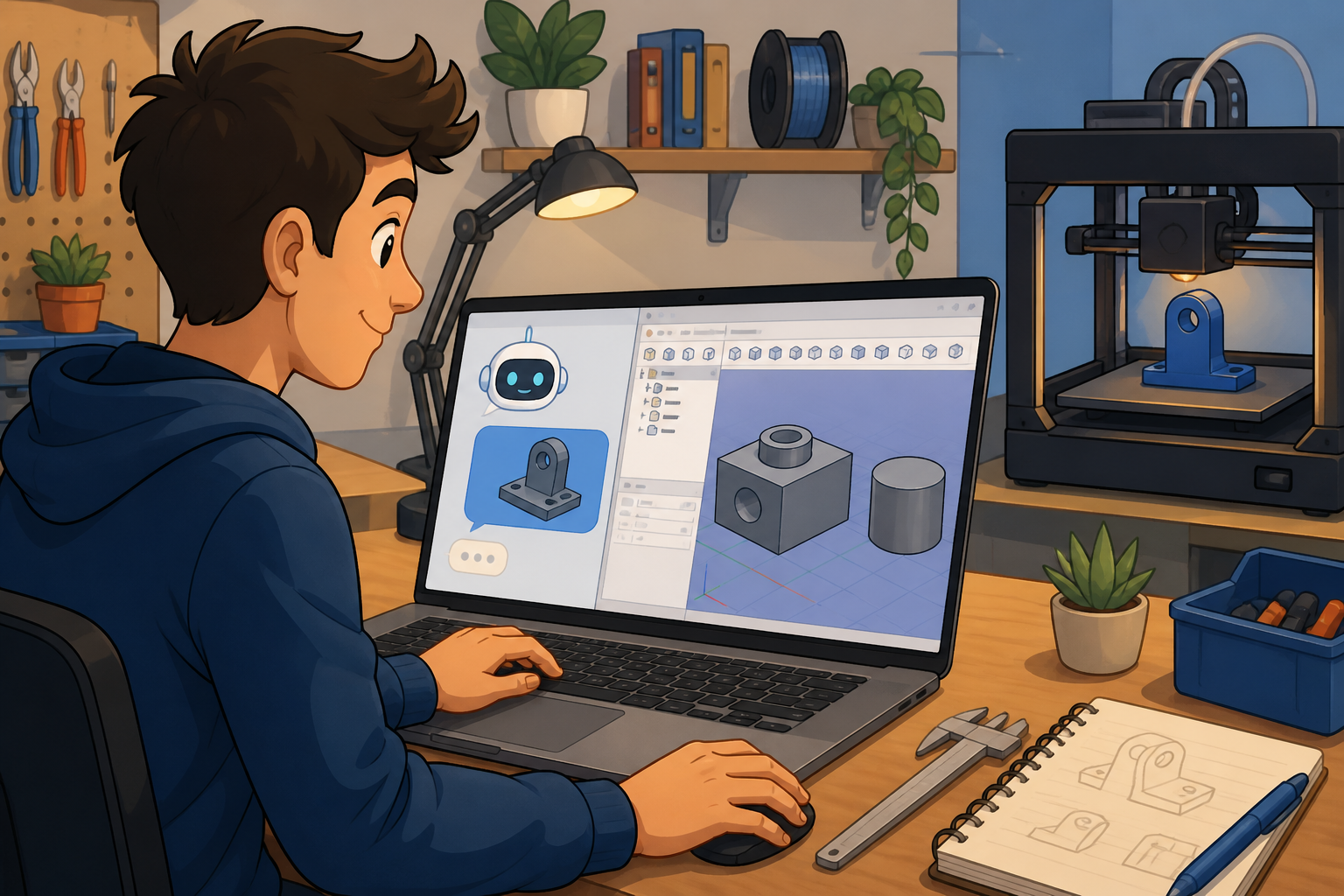
FreeCAD Parametric CAD Workflows with AI
TL;DR
- The FreeCAD MCP server lets agents create documents, add solids, edit dimensions, and export STL or STEP on your computer — FreeCAD stays open locally; geometry isn't modeled in the cloud.
- FreeCAD is open-source parametric CAD used for product design, maker projects, and mesh export — a practical fit when you want editable solids instead of one-shot mesh prompts.
- Built for makers and designers who already slice STLs or send STEP to a shop, and who'd rather describe a bracket or enclosure in chat than click through every sketch constraint alone.
Saturday morning at the bench. You need a simple enclosure base — 80×60×12 mm with four corner posts — before the printer finishes its current job. FreeCAD is already open on your Mac. You're in chat, not in the Part Design workbench, asking for the base plus an STL on your Desktop.
That's the loop: describe → model locally → export → slice. The FreeCAD integration on MCPBundles is for that loop when Desktop is running on the same machine.
What you install (and what you skip)
You need three things on one computer:
- FreeCAD — the app where solids actually get built.
- MCPBundles Desktop — menu-bar app that connects cloud agents to localhost (same pattern as our Desktop local bridge guide).
- MCPBundles bridge inside FreeCAD — one click from Desktop (Install FreeCAD bridge), then restart FreeCAD once.
You do not search Addon Manager for a random "MCP server" package. MCPBundles ships the bridge; Desktop copies it into FreeCAD's Mod folder. The connection test in MCPBundles shows Install FreeCAD bridge when Desktop is available.
Connect the FreeCAD bundle in your workspace, run the connection test, and keep FreeCAD open while agents work.
From chat to STL without retyping dimensions
Parametric CAD shines when names and numbers survive edits. A first pass might be a plain box; a follow-up widens the base or adds fillets without rebuilding from scratch.
"In FreeCAD, create a new document, add a 40×30×10 mm box named Base, export STL to my Documents folder, and tell me the file size."
When you're iterating: "In document BasePlate, change the box height to 15 mm, recompute, and export a new STL alongside the old one."
Enclosures and brackets in plain language
Product designers often think in mounting features — posts, holes, clearances — not in menu paths. Name the intent; let the agent map it to primitives and properties.
"Model a simple L-bracket in FreeCAD: 50 mm leg, 40 mm leg, 3 mm thickness, two 4 mm mounting holes on the vertical face. Export STEP to my Documents folder."
Before sending to a print farm: "List every solid in the active document with bounding dimensions so I can confirm the bracket fits the panel."
3D printing prep stays on your machine
Slicers want meshes on disk. Agents export STL (or STEP when you need CAD handoff), then can read the exported file back into chat so you confirm size or share a download link — still originating from your computer.
"Export the Base object as STL for 3D printing, save to ~/Documents/prints/enclosure-base.stl, and confirm the export succeeded."
If a dialog in FreeCAD blocks automation (Addon Manager open, modal preferences), the connection test explains what to close — you don't need to bring FreeCAD to the front of the screen.
When to use async modeling
Heavy boolean operations can take minutes on large solids. For simple boxes, cylinders, and layout work, synchronous modeling is fine. For fuses, cuts, or lofts on big assemblies, ask the agent to run long work asynchronously and poll object state rather than expecting an instant reply.
"Run the fuse operation asynchronously and tell me when the combined solid appears in the document."
Connect and try it
Connect FreeCAD on MCPBundles, install Desktop, install the bridge, restart FreeCAD once, and ask from Claude, Cursor, or MCPBundles Studio.
"Ping my FreeCAD connection and tell me if modeling is ready."
"Create a cylinder 25 mm diameter, 10 mm tall, export STL to my Documents folder."
FAQ
Does FreeCAD run on MCPBundles servers?
No. FreeCAD runs on your computer. MCPBundles Desktop forwards agent requests to localhost while FreeCAD is open.
Can I use this with ChatGPT or Cursor?
Yes. Connect MCPBundles in each client you use. Desktop on your Mac or PC is the shared local bridge.
Do I need FreeCAD's Addon Manager for MCP?
No. Install the bridge from MCPBundles Desktop. Restart FreeCAD once after install.
Can agents export STEP for a machine shop?
Yes. Ask for STEP export to a path on your computer when you need CAD handoff instead of mesh.